
Everything Kamnod does
For your team, the work that fills a morning, done by the system. For your clients, a portal of their own. Every screen below is the real app.
For your team: less typing, nothing missed
The work that fills a morning, done by the system instead.
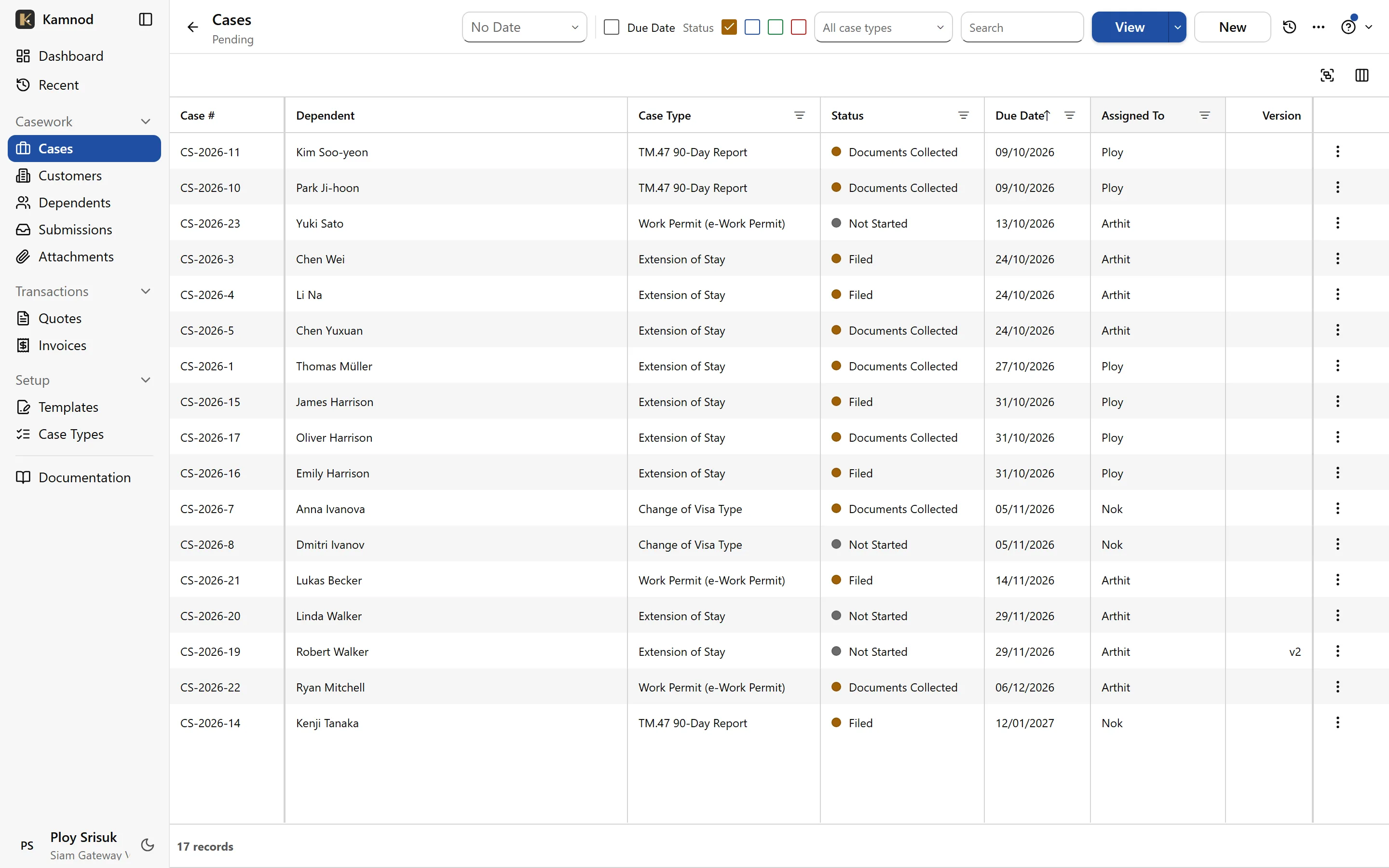
Nothing slips past a due date
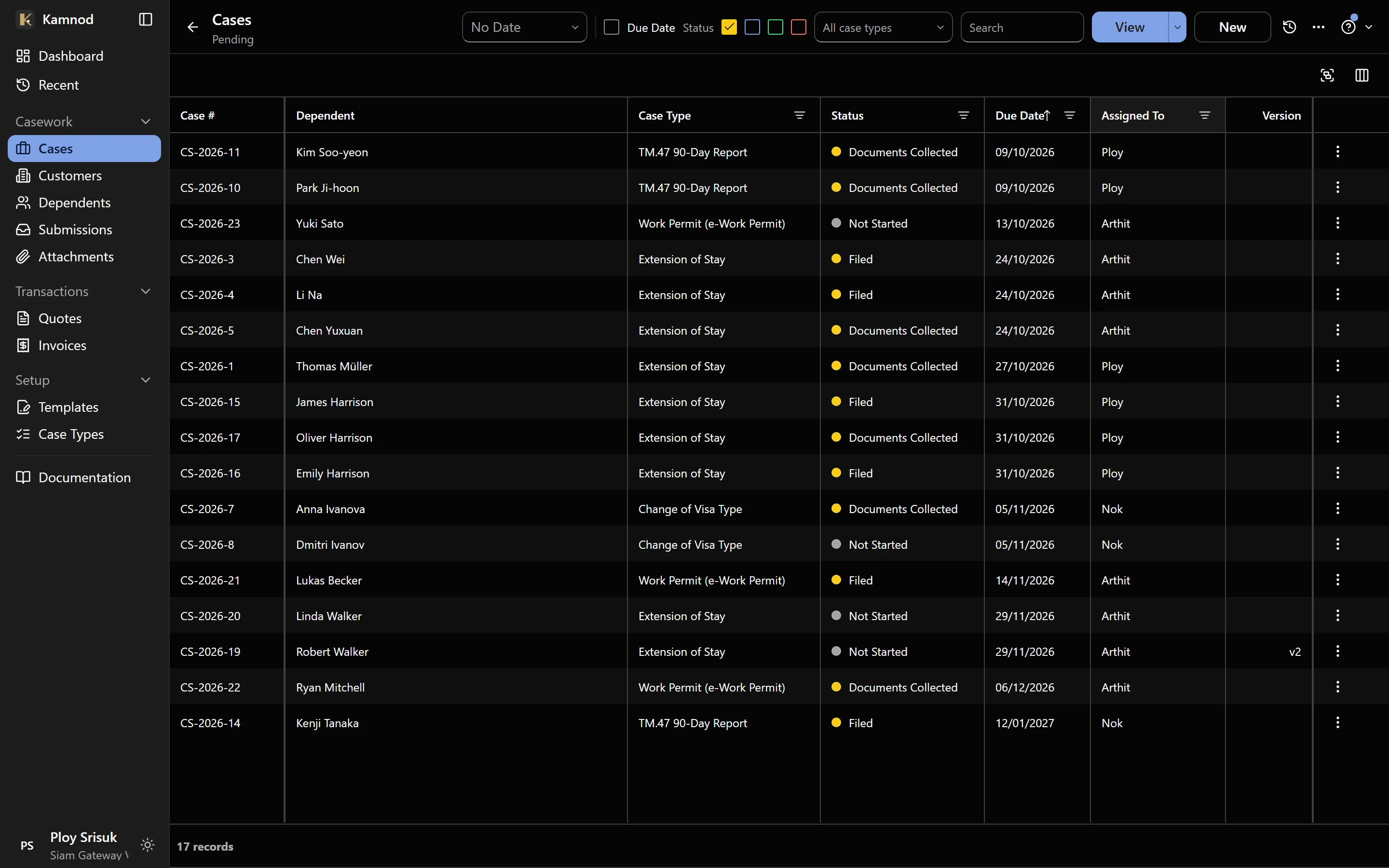
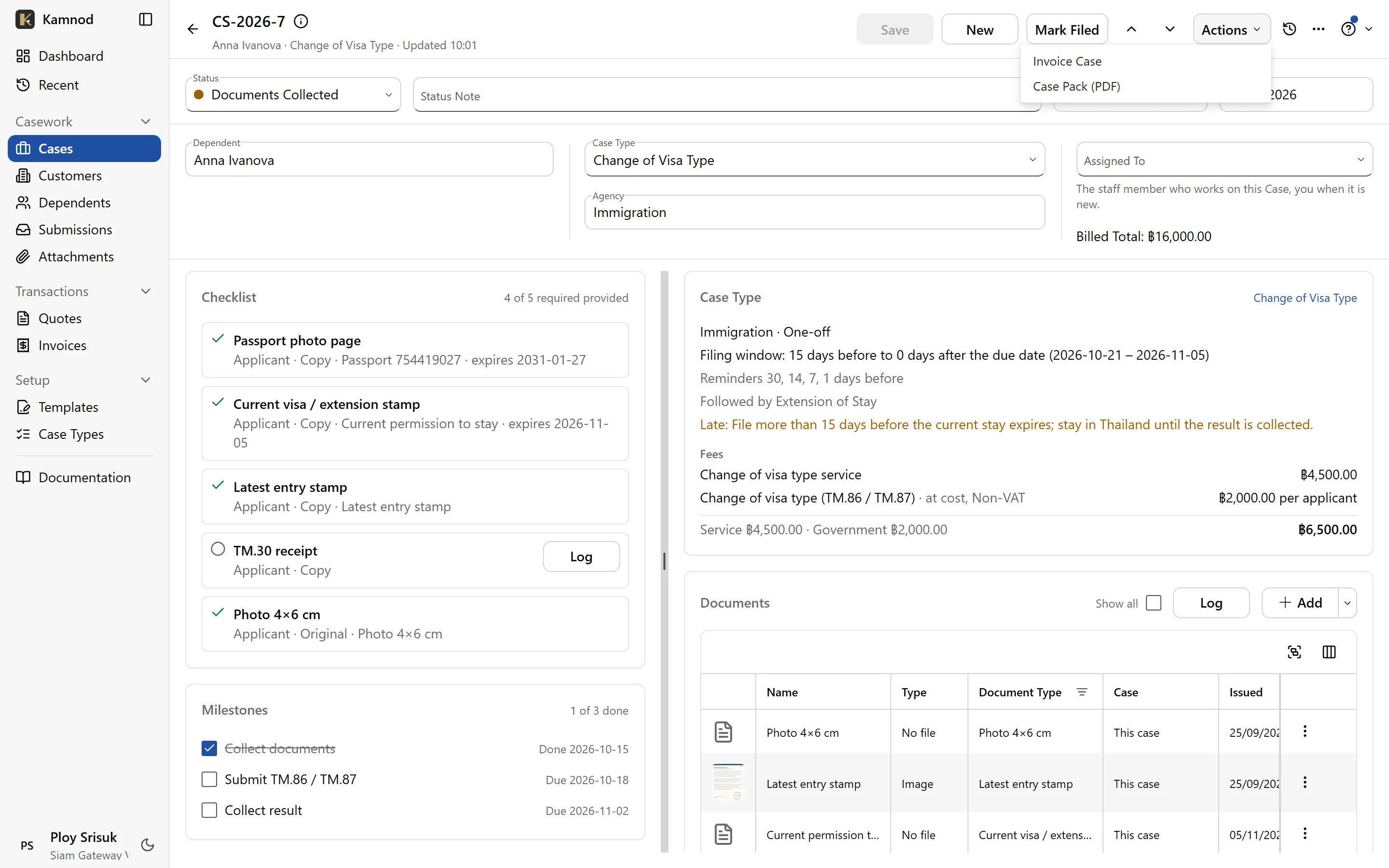
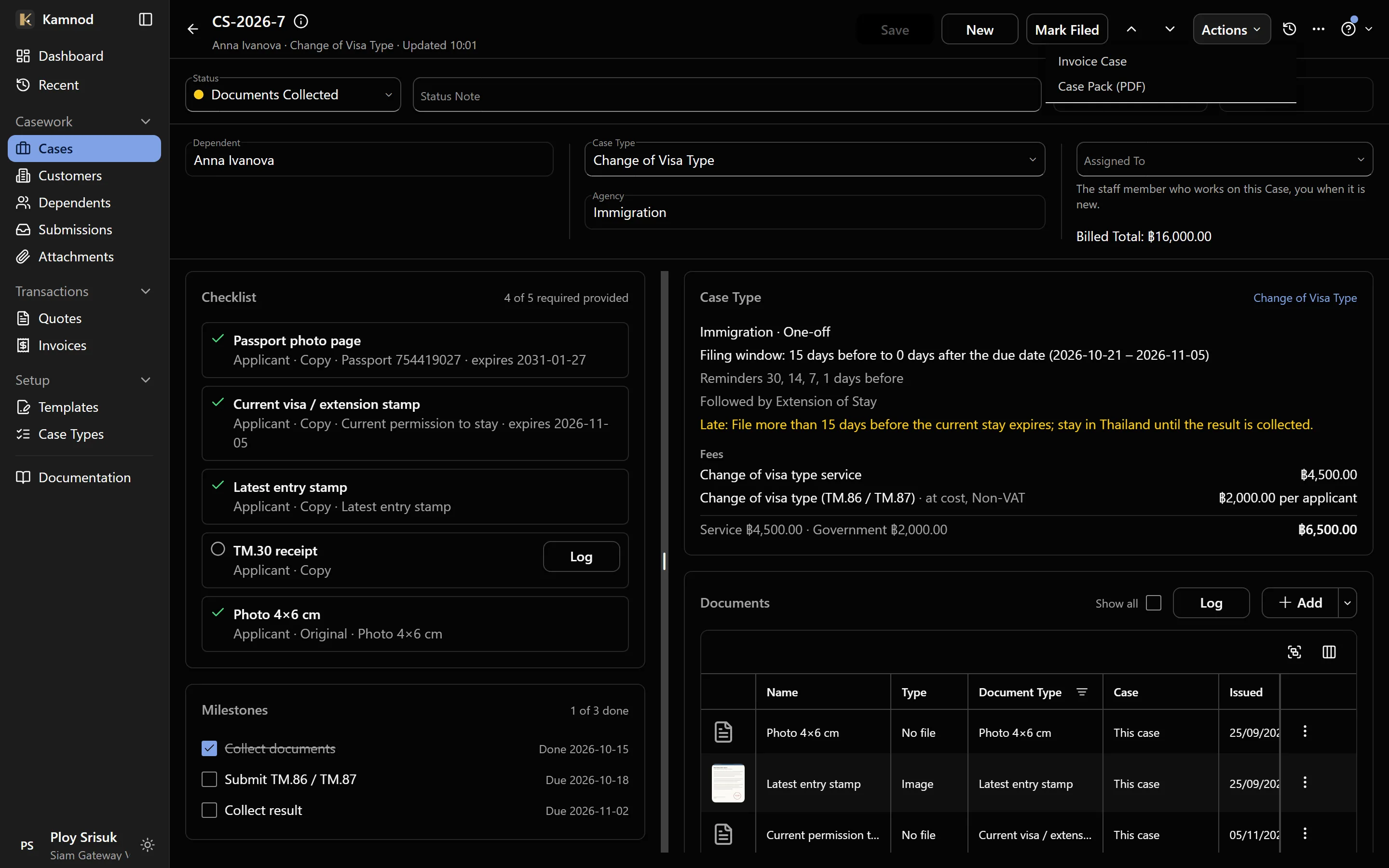
Every case carries its own due date, worked out from its type: a 90-day report, an extension, a TM.30 after a move. The list is sorted by what's due next, so the morning starts with the right client.
- Overdue and due-soon at the top
- Reminders before a passport or visa runs out
- Each case's checklist shows what's still missing
Every document on the case, one pack to print
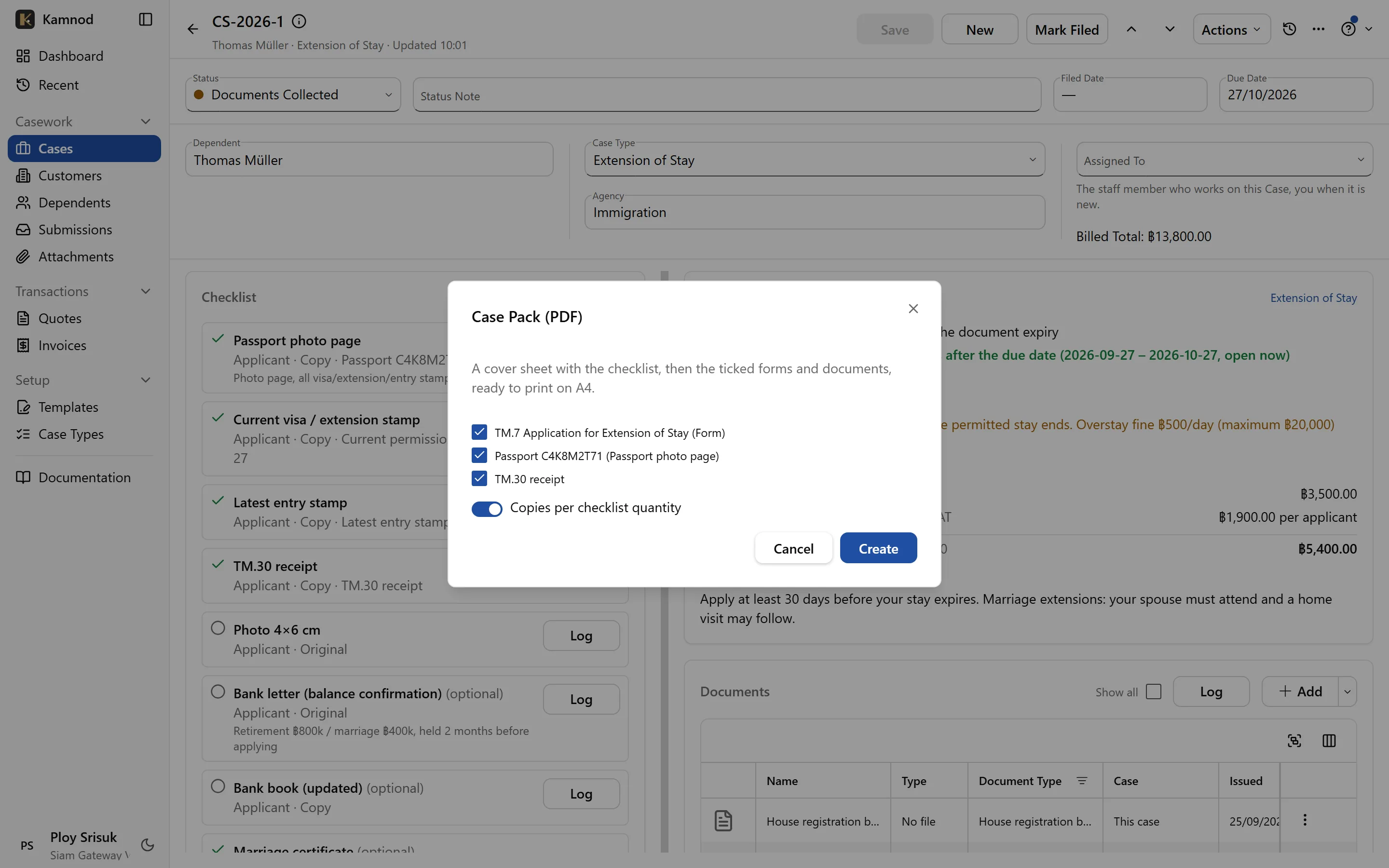
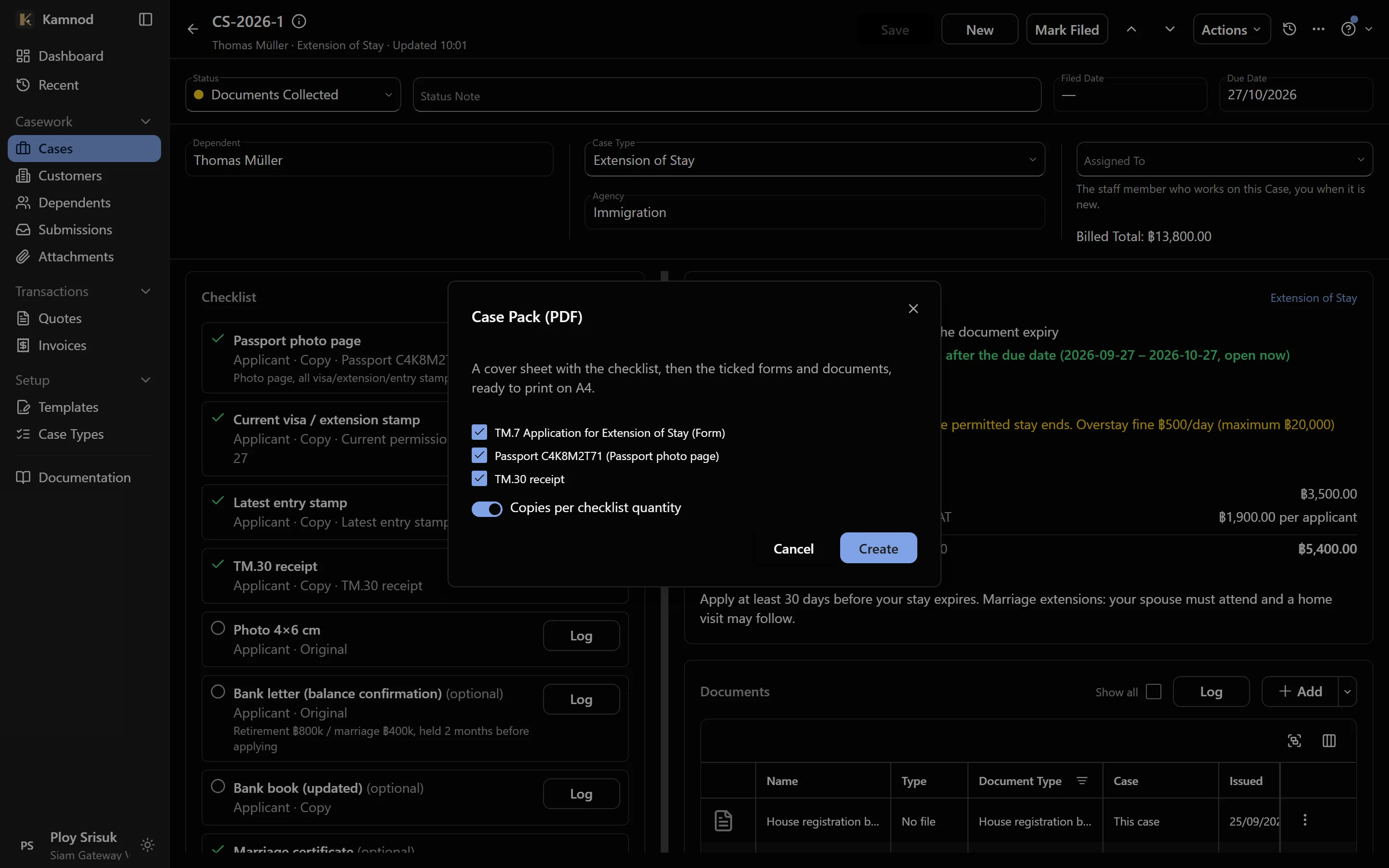
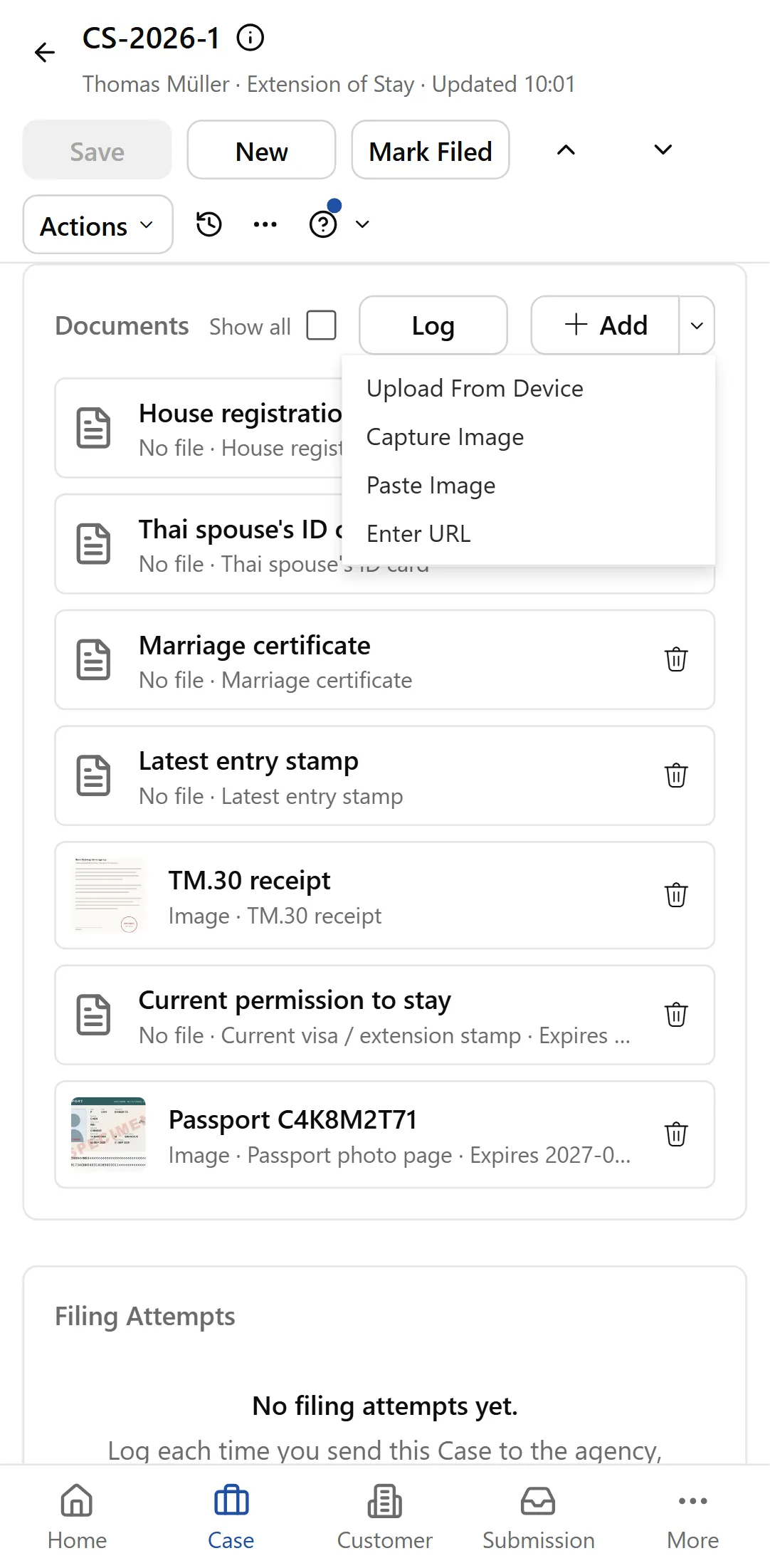
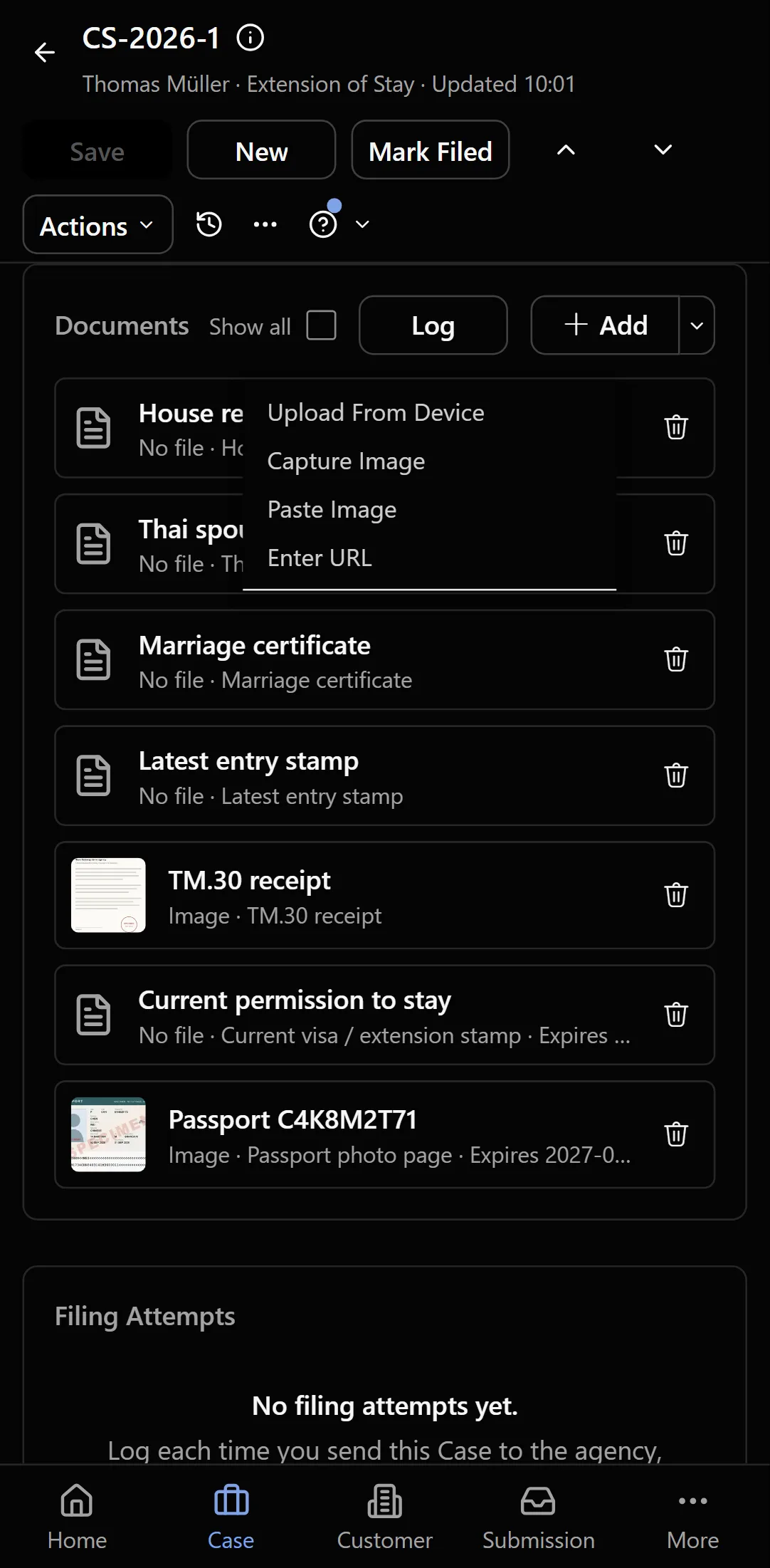
Add a passport or permit the way it reaches you: a photo with your phone at the counter, a scan, a pasted screenshot or a link. When it's time to file, one click prints the case's cover sheet, its filled-in forms and every document as a single A4 PDF.
- Phone camera, webcam, upload, paste or link
- A cover sheet with the checklist: provided, expired or missing
- Passports and ID cards printed at their real size
- Files kept in Thailand, with a photo's location details removed
From quote to case to invoice
Price the work and send the quote. When the client agrees, open a case for each person on it in one step. When the work is done, Invoice Case bills it from that same quote, so nothing is billed twice and nothing is forgotten. The client gets a clean PDF, and sees it in their portal too.
- A case for each family member, from the agreed quote
- Invoice Case bills the quote's lines, or the case type's fees
- Service and government fees on separate lines
- A PDF that prints Thai names properly
Government forms that fill themselves
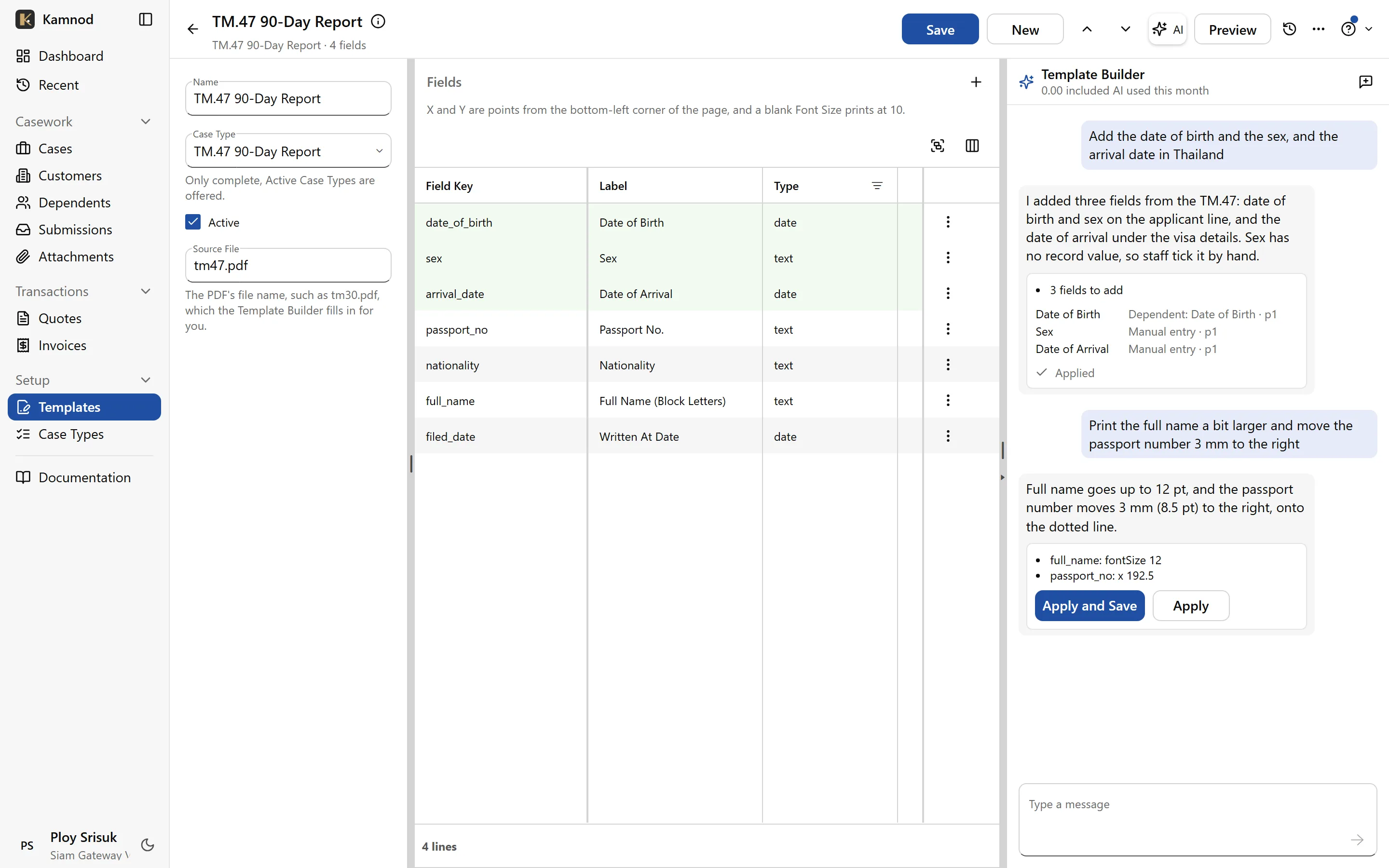
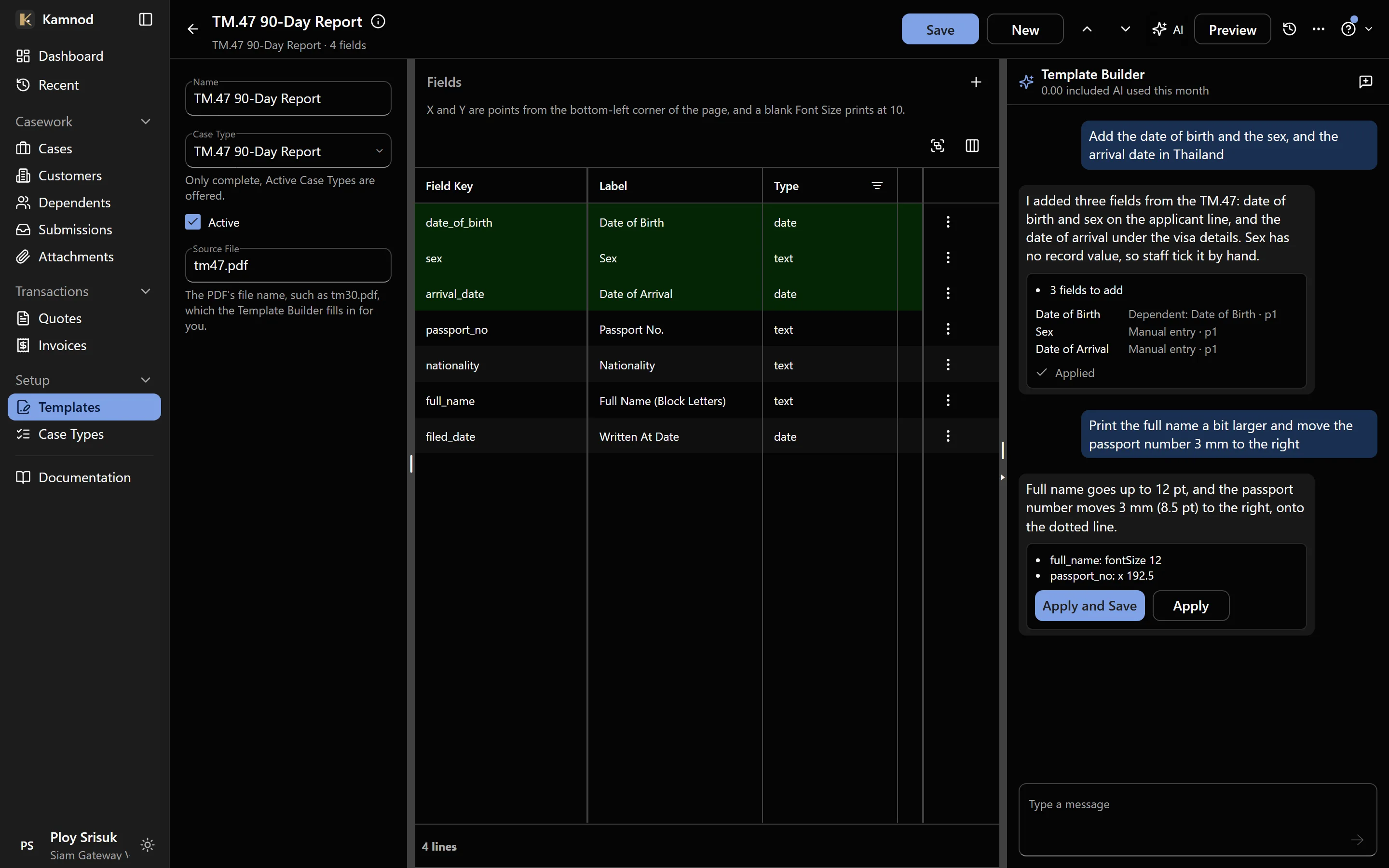
Upload the official PDF once and place its fields. Every case then gets the real form with the client's name, nationality, passport and address already filled in. A setup assistant reads the form and places the fields for you to check.
- The actual TM.30, TM.47 and extension forms
- Fields mapped to the client record once
- The assistant does the first pass; you approve it
Client details, checked not retyped
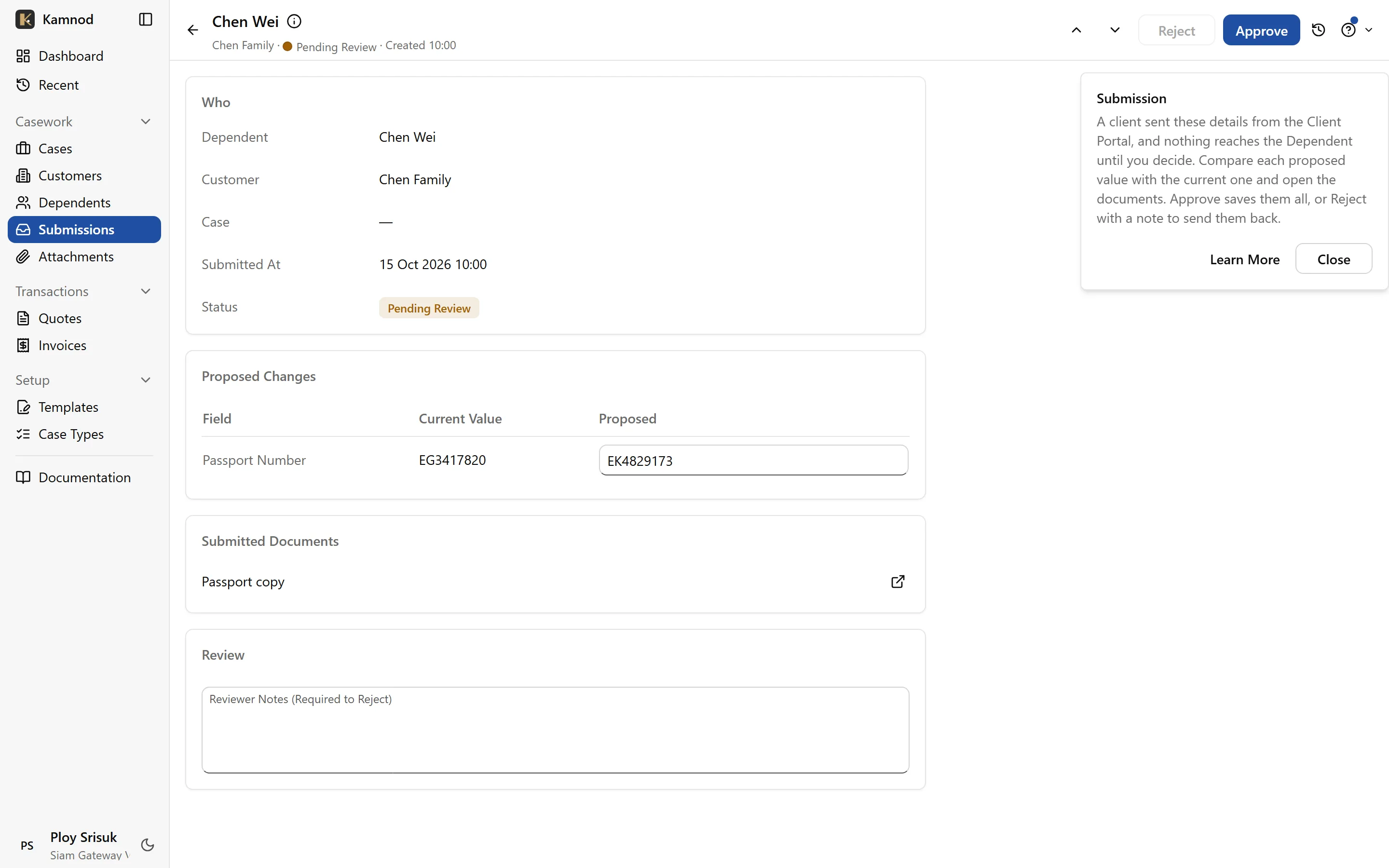
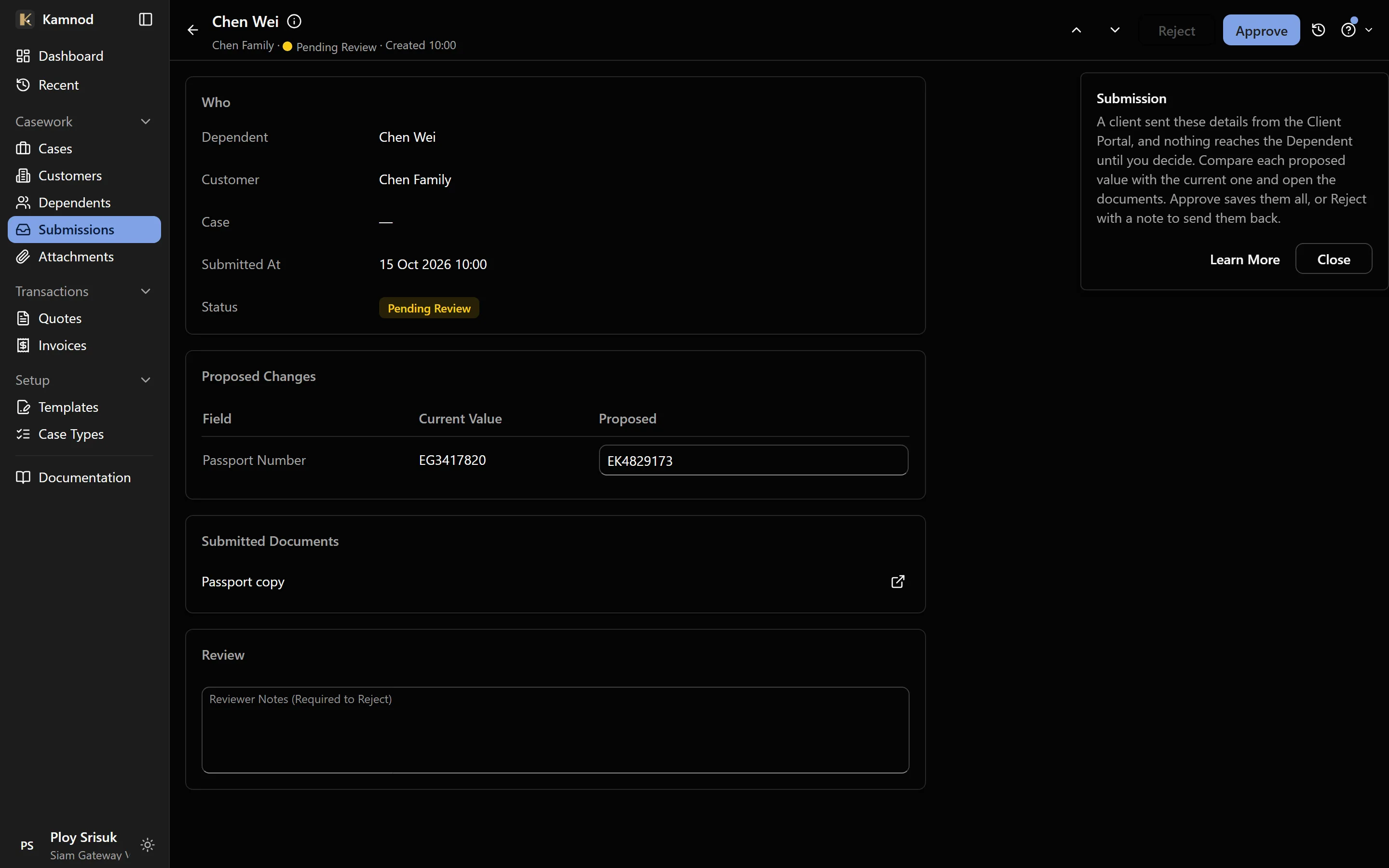
What a client sends from the portal arrives as a submission for review. You see each new value next to what's on file, open the passport copy they sent, and approve or reject it. Nothing reaches the client's record until you do.
- Each change next to the current value
- The passport copy filed on the record
- A rejection keeps your reason on record
Your services, set up in minutes
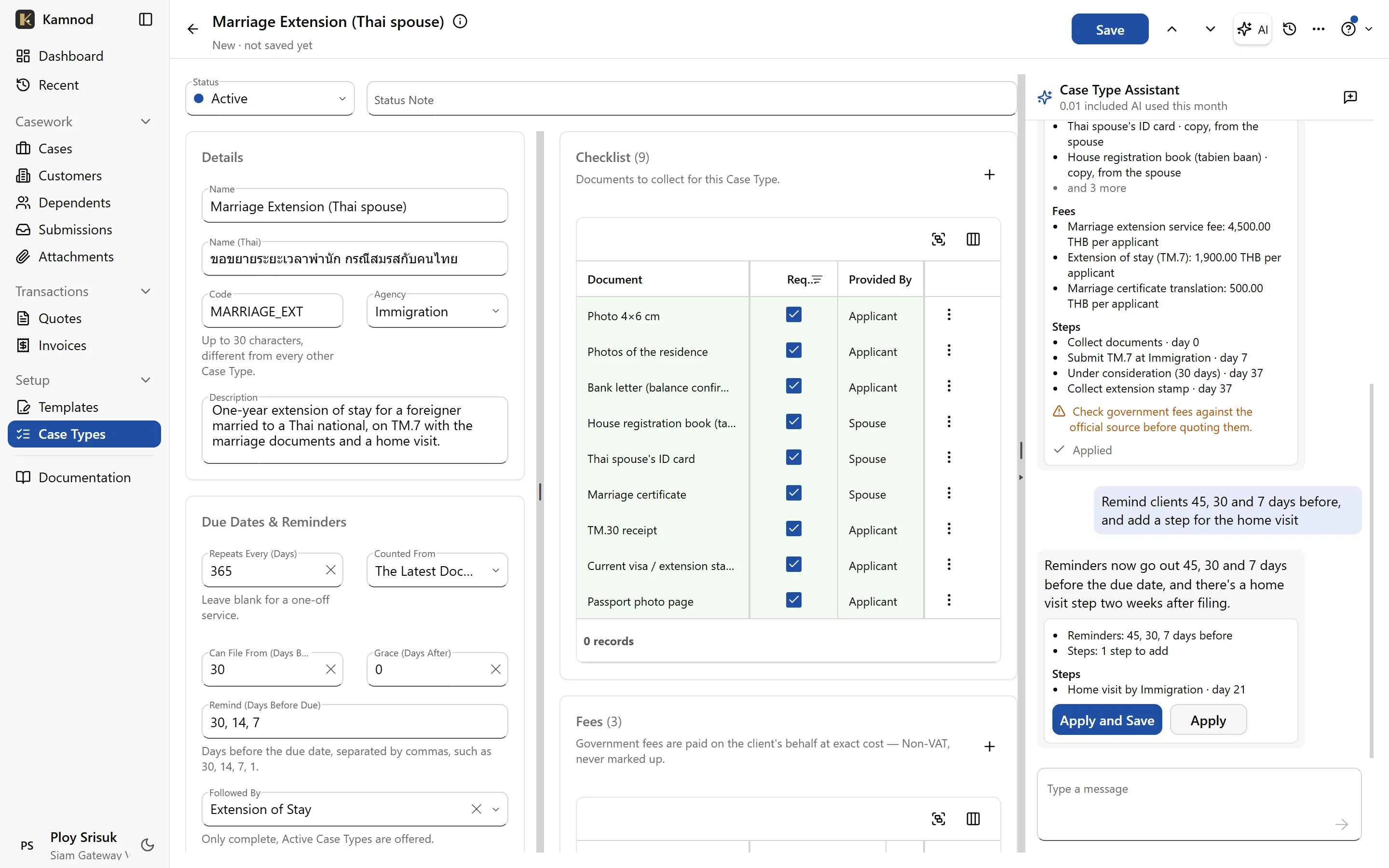
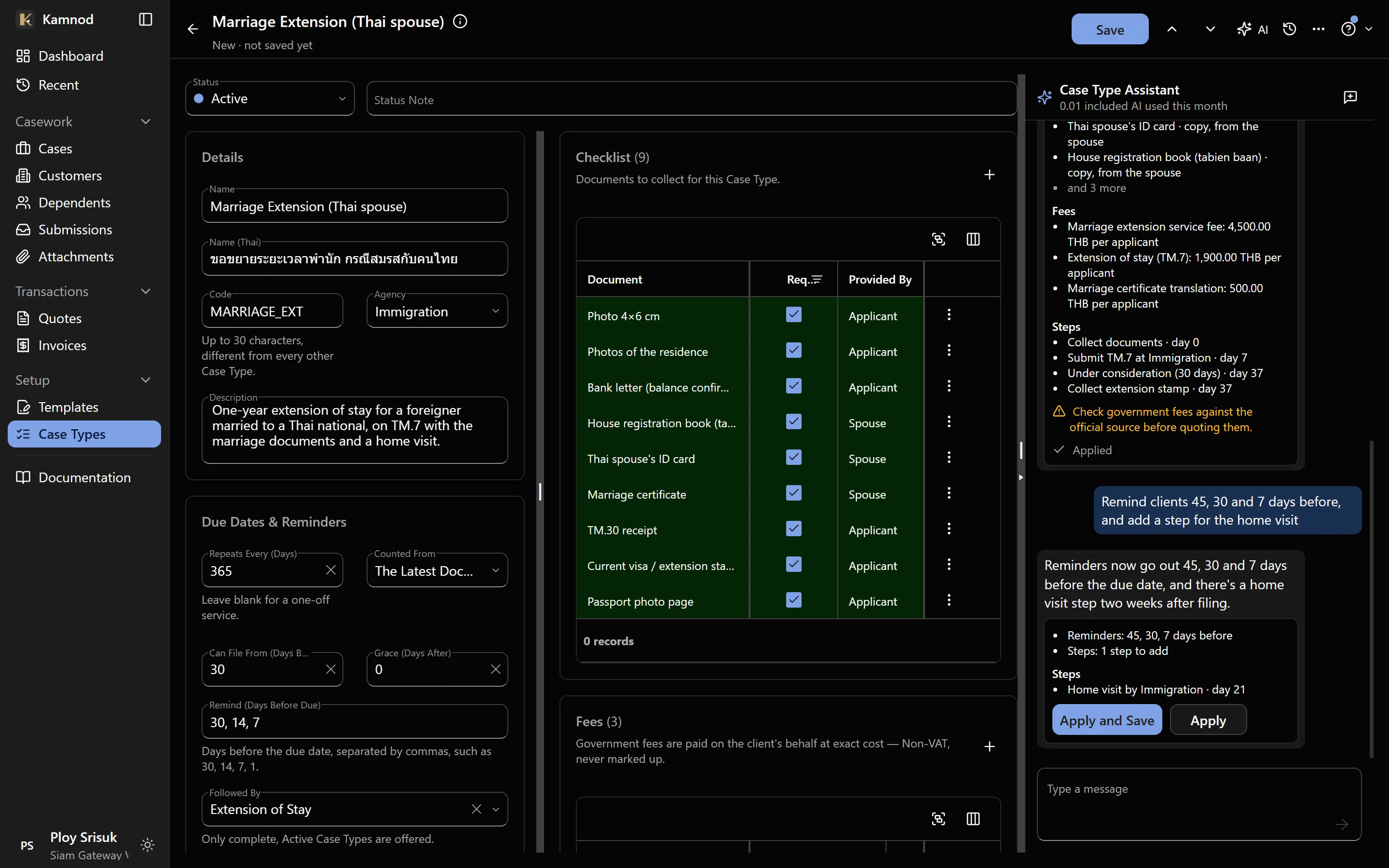
Each filing type has its own document checklist, fees and steps. Describe a new service in a sentence and the assistant drafts the checklist, the fees and the milestones; nothing is saved until you apply it.
- Required documents, who provides them, originals or copies
- Your fee kept apart from government fees
- The steps of each filing, tracked case by case
The whole office on your phone
Every screen works on a phone, so a case can be updated between appointments. Add Kamnod to your home screen and it opens full screen like any app. At the counter, photograph a client's passport straight onto their case, or fill their details in with them.
- Install from the browser, nothing to download
- The phone's camera straight onto the case
- The same data as the office, live
For your clients: a service they’ll tell their friends about
Be the agency that is easy to deal with: clients see their own cases and send their own documents.
No password to forget
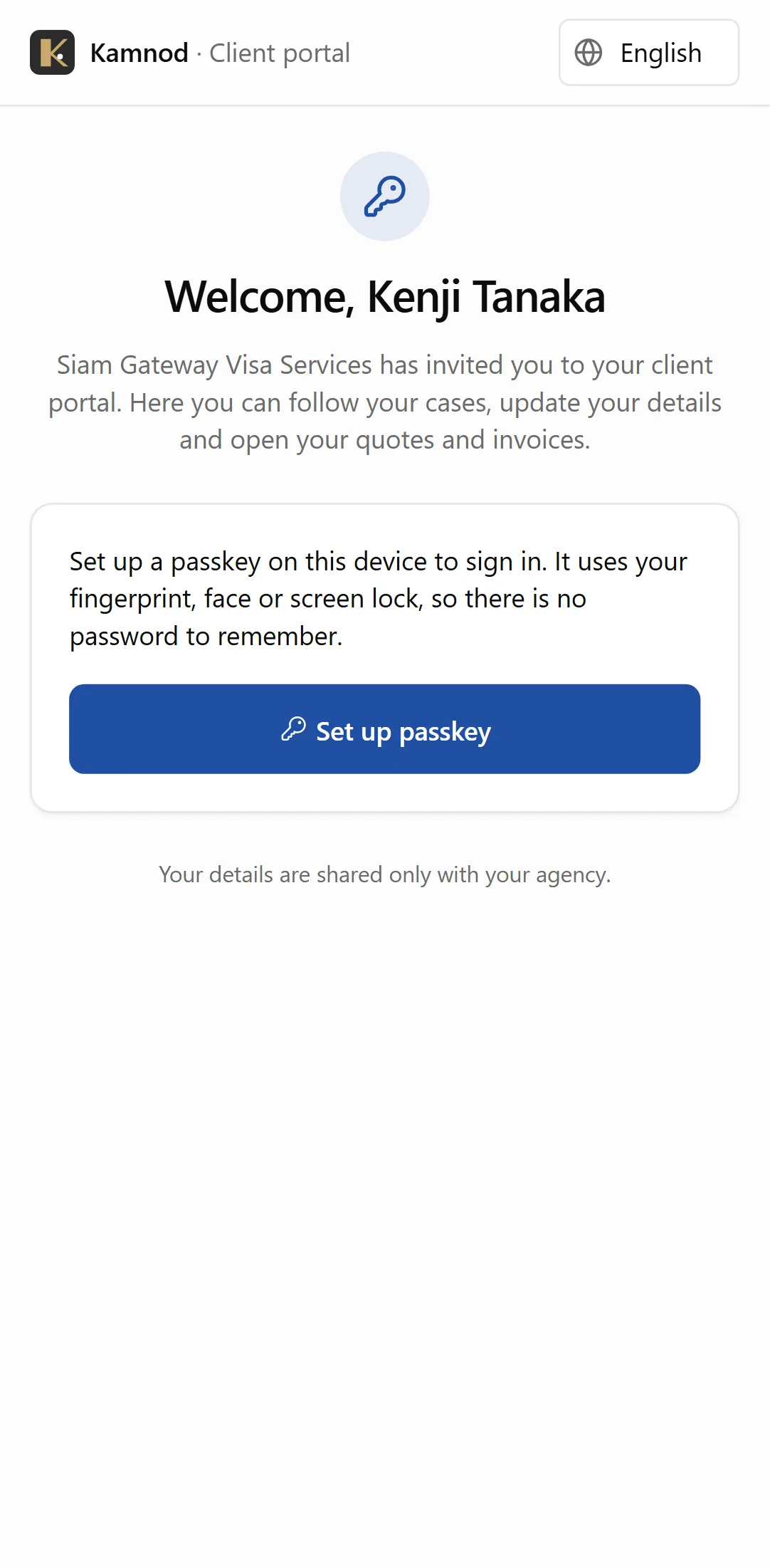
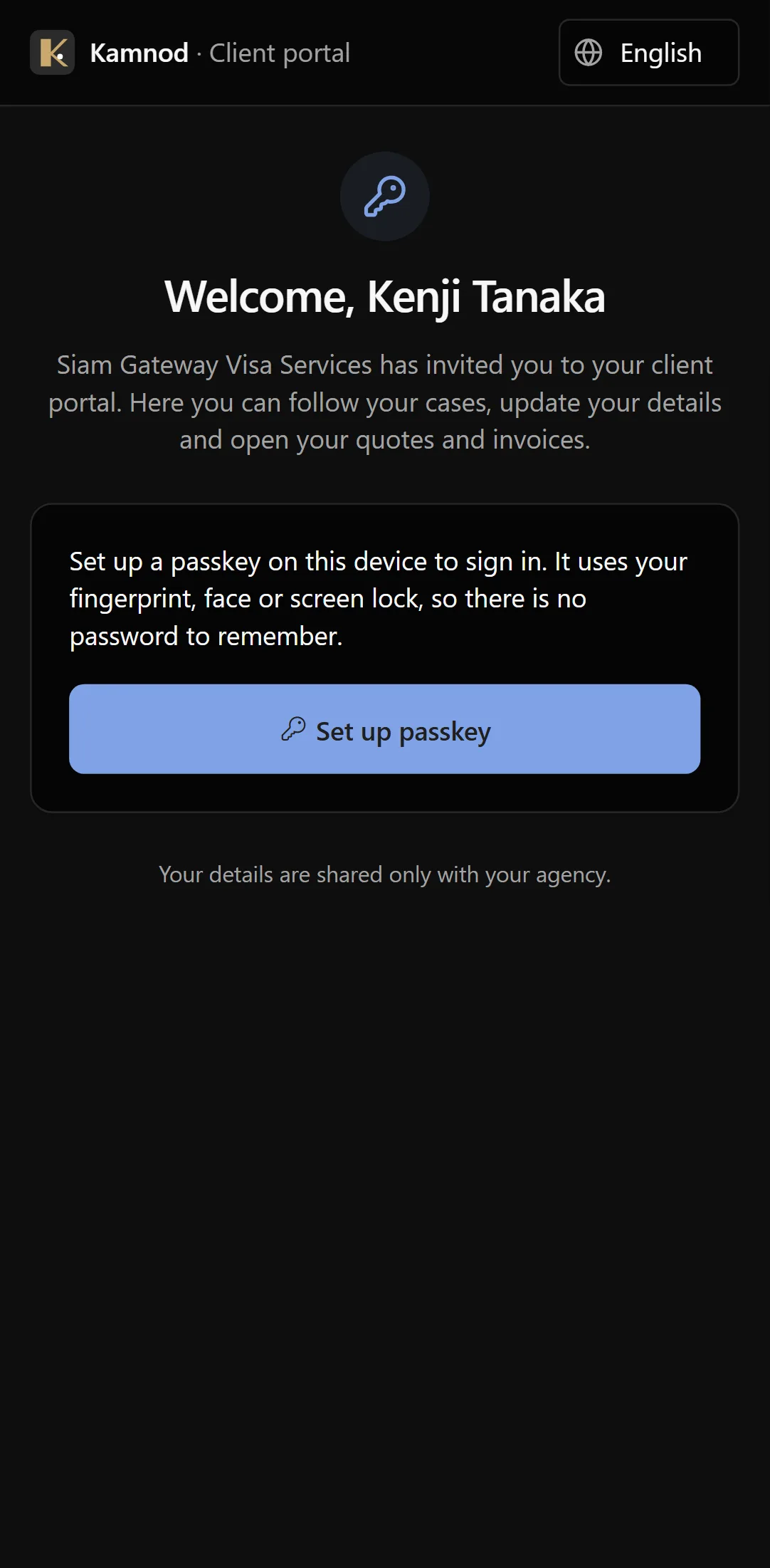
You send a link or show a QR code. The client opens it on their phone and signs in with their fingerprint or face, the way they unlock their phone. Nothing to remember, nothing to reset.
- One link, used once
- A passkey on the client's own phone
- You can switch access off at any time
Their cases, without calling you
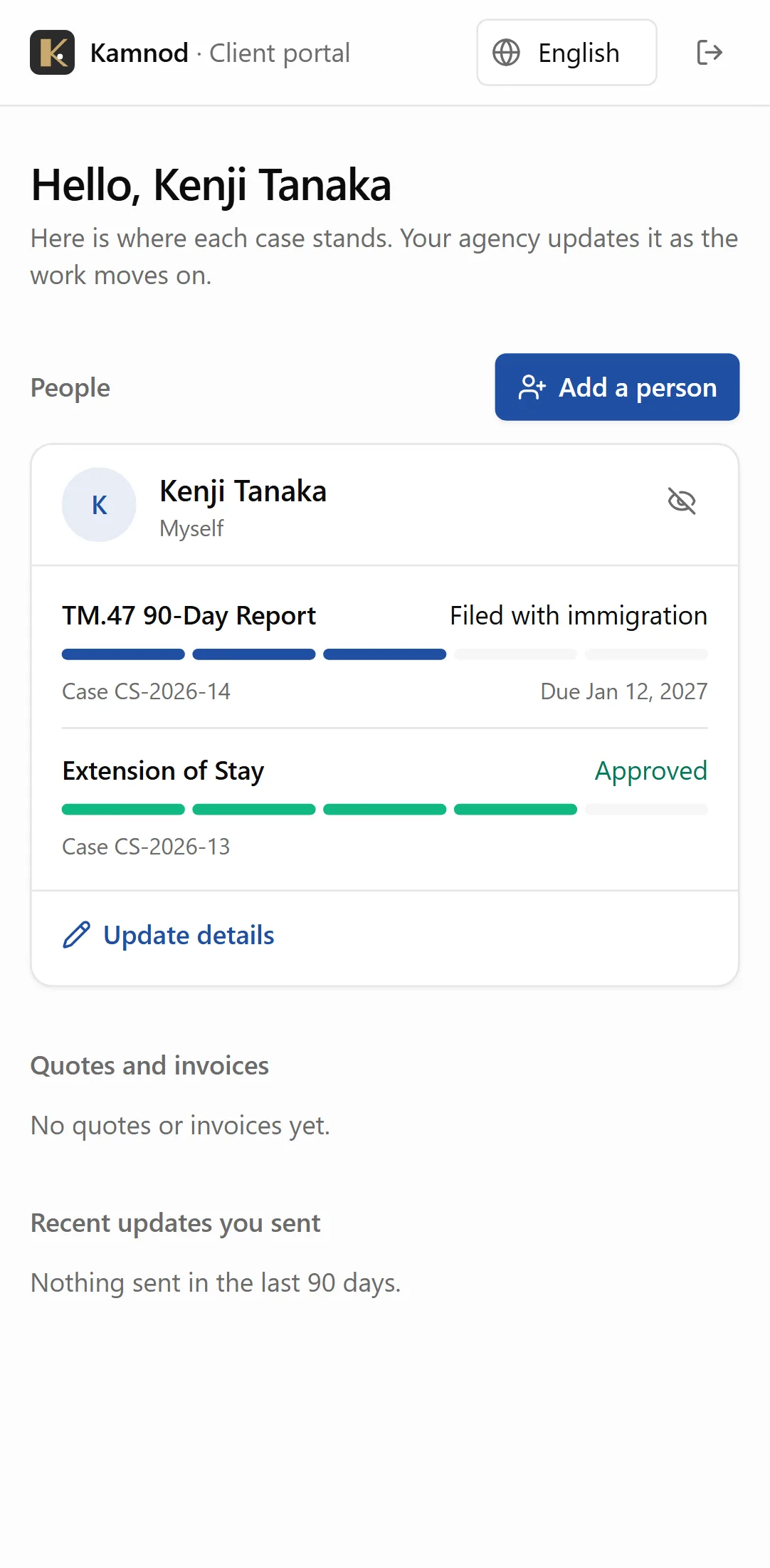
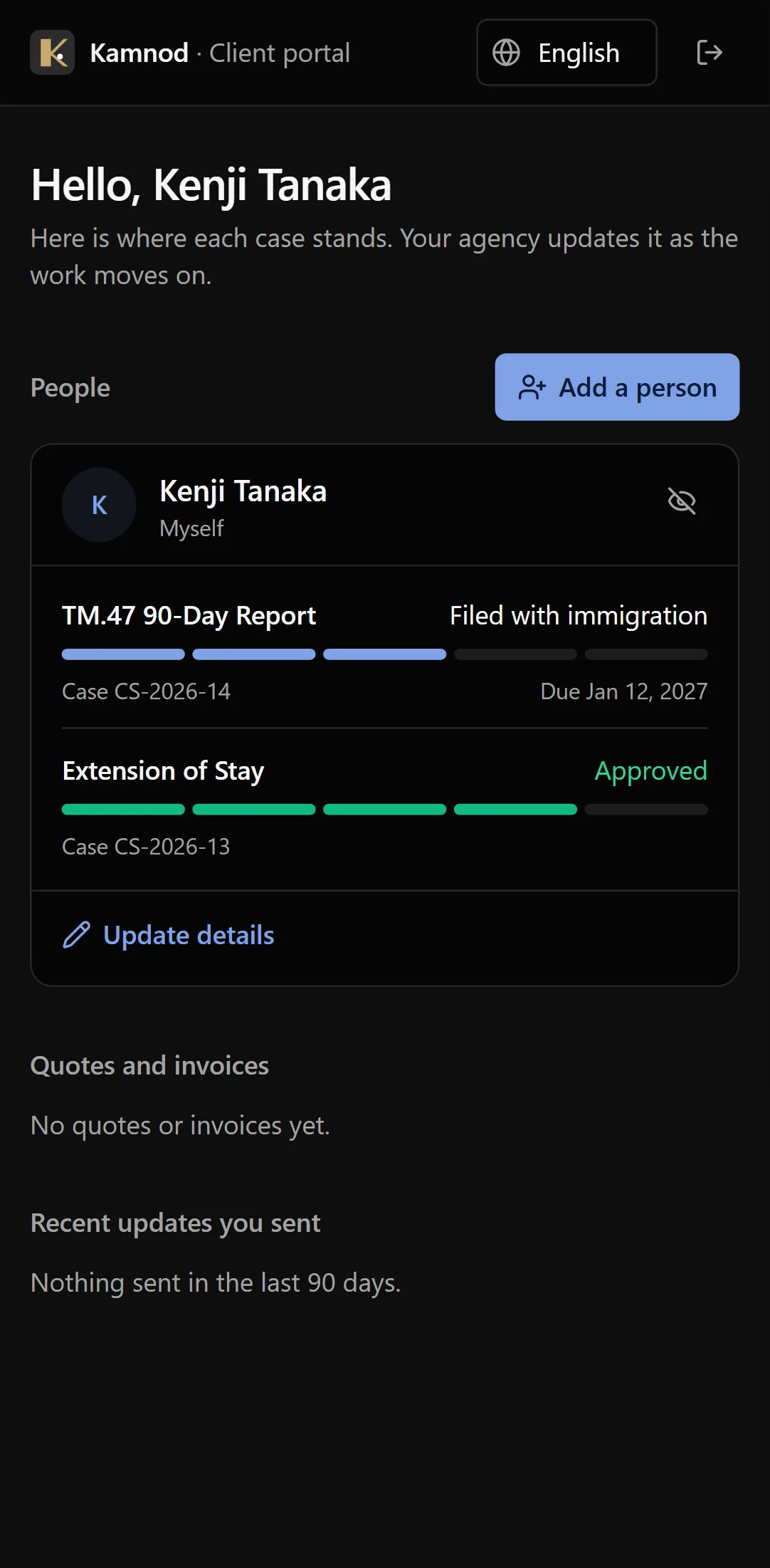
Each person in the family, each case, where it stands and when it's due. Clients stop asking what's happening, because they can see it.
- Progress for every case
- Due dates in plain words
- The whole family on one screen
In their own language
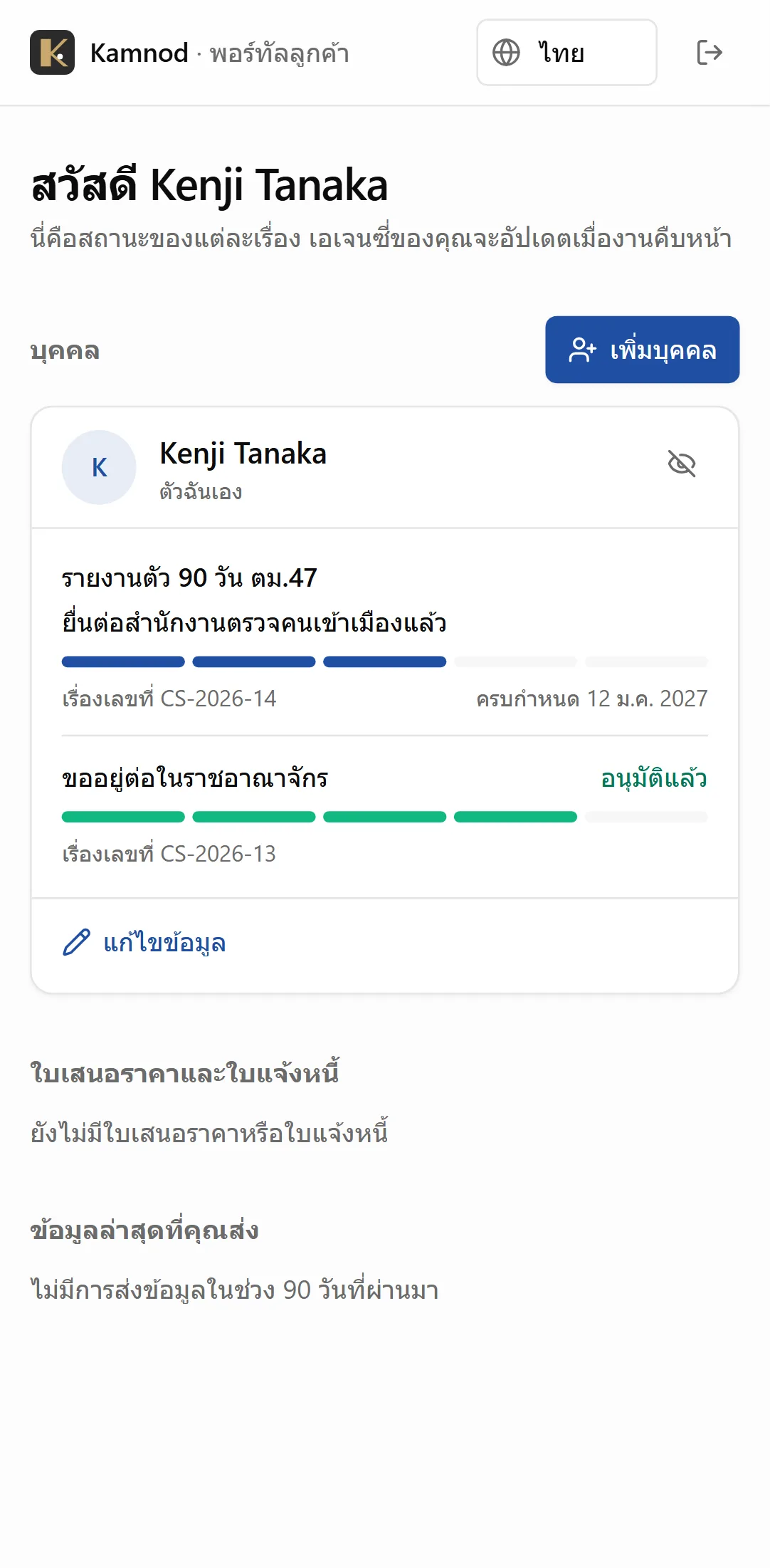
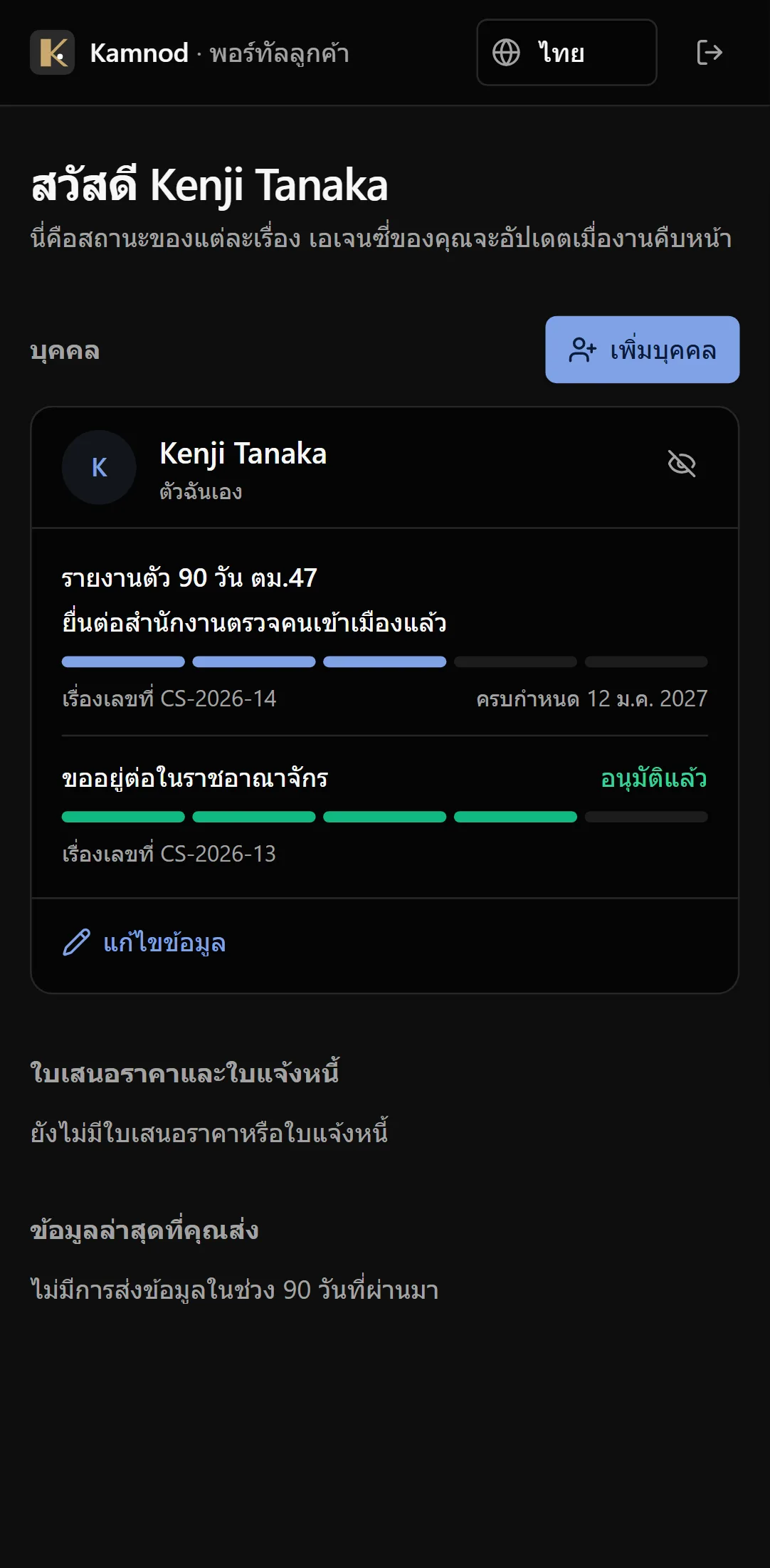
The portal speaks Thai, English, Chinese, Russian, Korean and Japanese. The client picks theirs, and it stays picked.
- Six languages
- Chosen by the client, not you
- Dates in the client's own format
Details and documents, sent from their phone
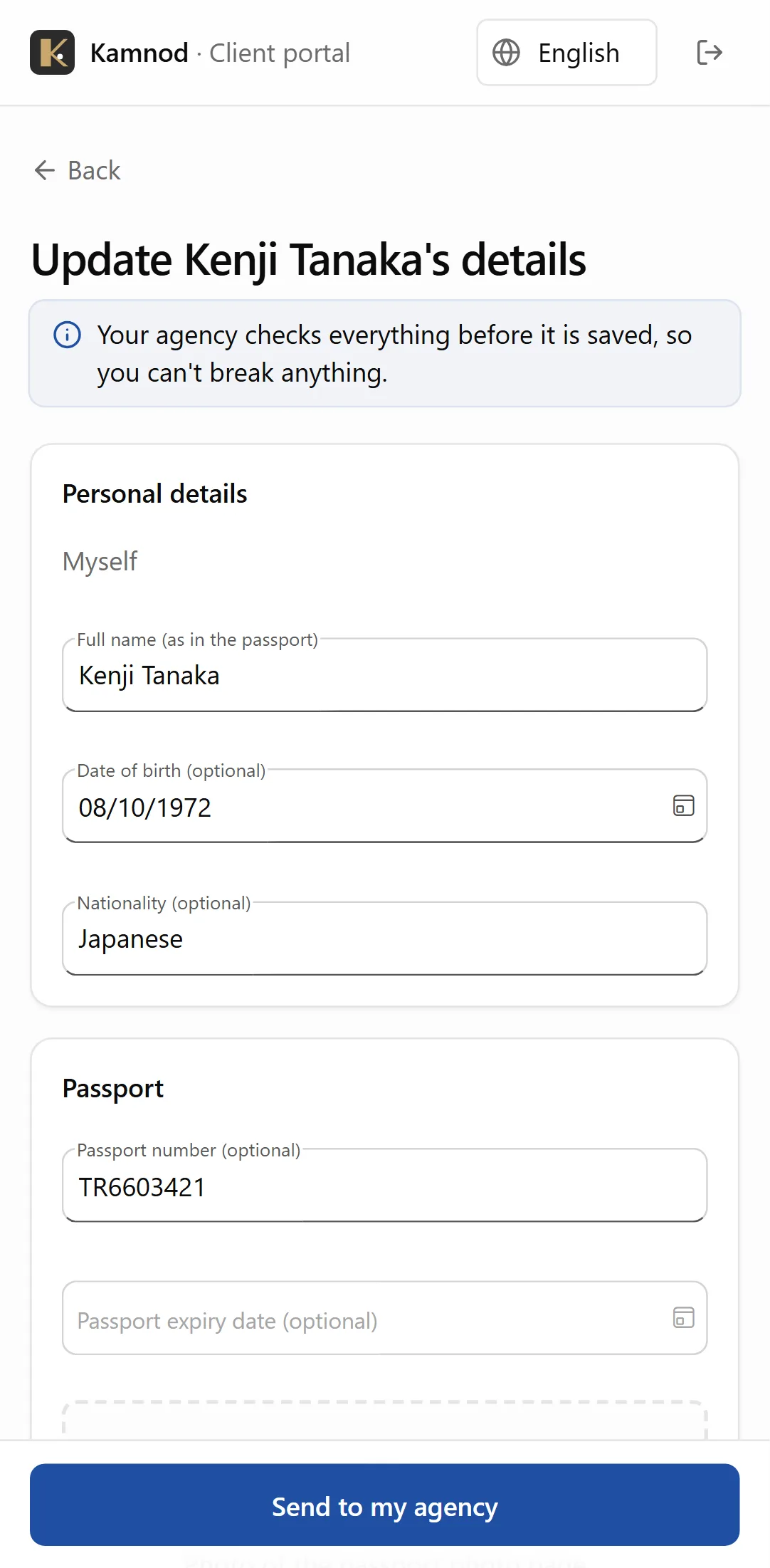
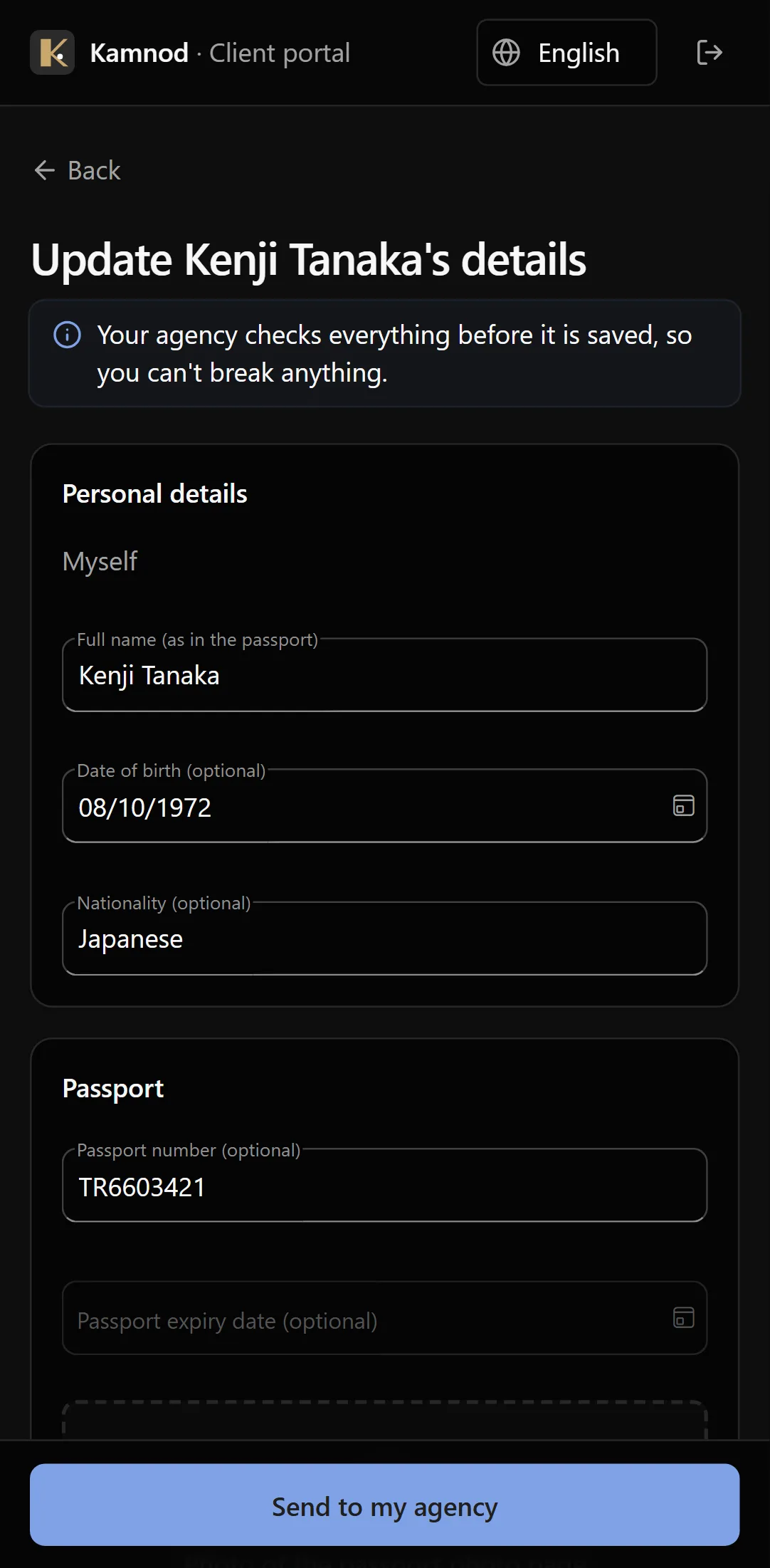
Clients update their details or add a family member with a photo of the passport. You check it before anything changes.
- Passport photo from the camera
- Add a new family member
- Nothing changes until you approve it
Complete on its own. Ready for more.
Kamnod needs nothing else: no Windows app, no accounting system, no IT project.
Everything an agency runs on, in one app
Clients and their families, cases and due dates, government forms, the client portal, quotes and invoices. Open it in a browser or on your phone and start.
Add more when you want it
Kamnod is built on the same platform as the BOS Windows app and other Vibe Crafted Software apps. Add them on the same data when you grow, for example full accounting with every invoice posted to your ledger, without moving anything or starting again.
Try it on a made-up agency first
An administrator can load a demo agency in Settings: families, a dive resort’s staff, cases at every stage, documents, quotes and invoices, dated around today. Look around or train your team on it, then remove it in one step before your first real client goes in. Every name and passport number in it is made up, and no demo client is ever emailed.
See it with your own case types
We’ll set up your services with you and show your team around. There’s nothing to commit to.