
Never miss another renewal date.
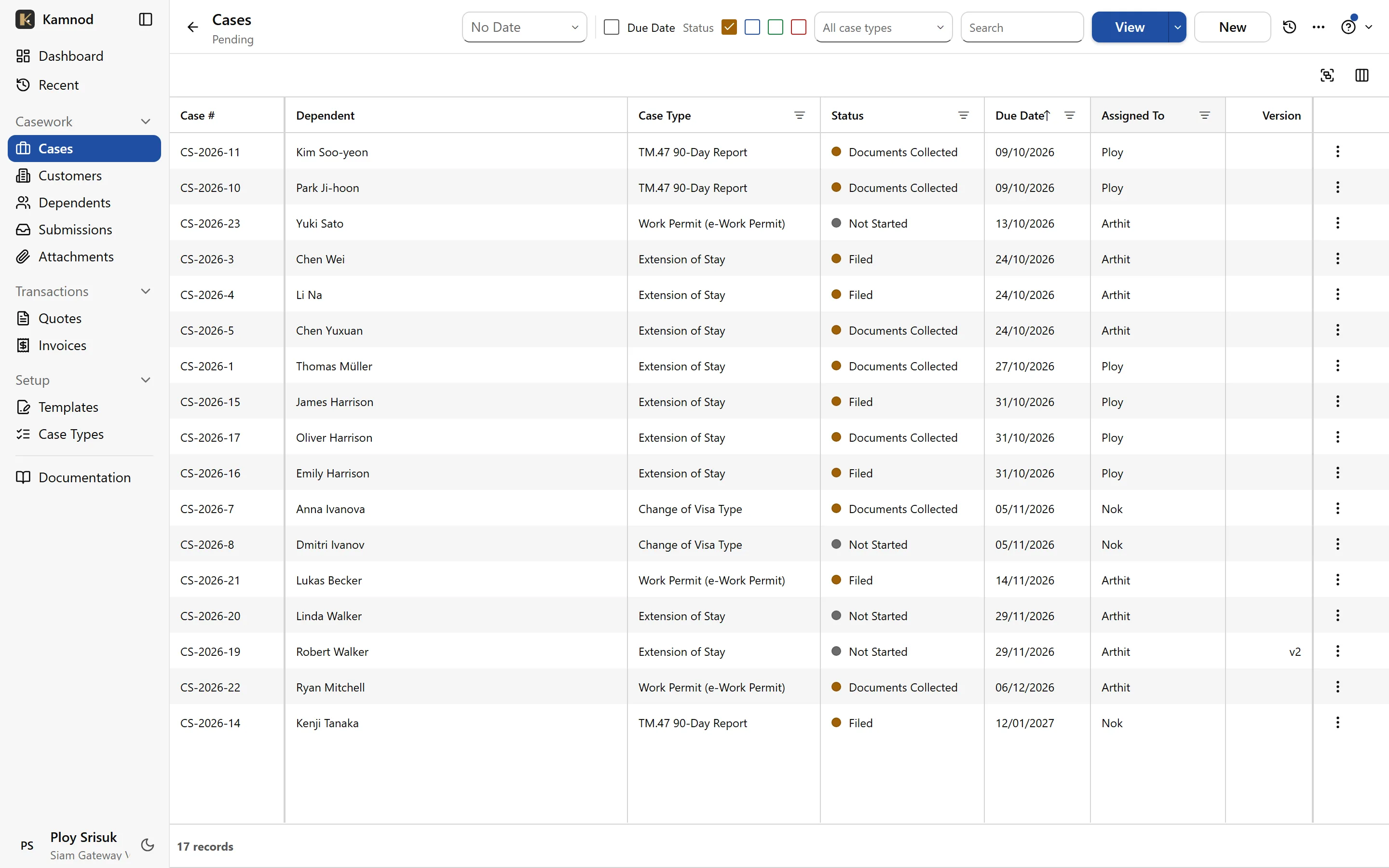
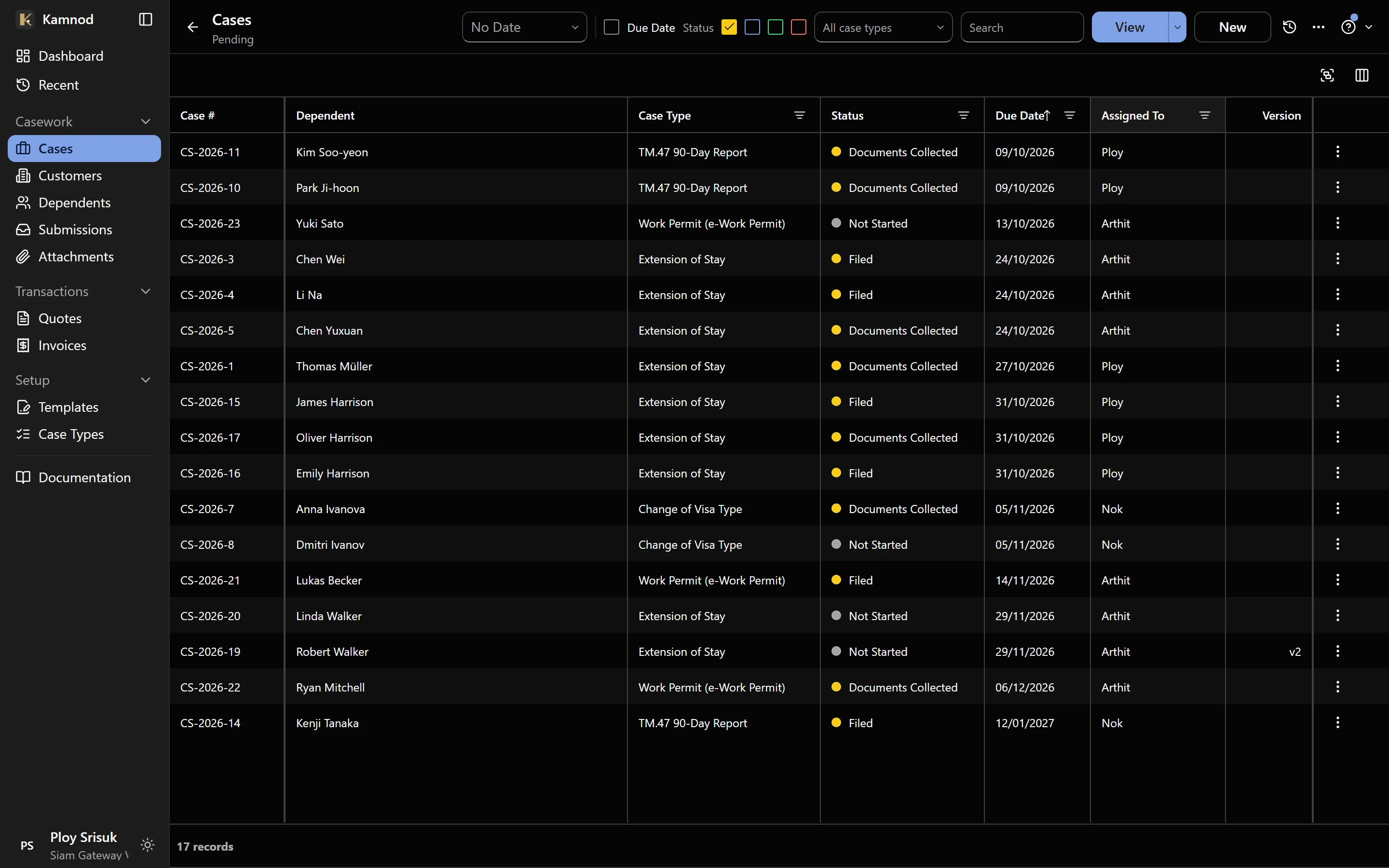
Every TM.30, 90-day report, extension and re-entry permit in one list, sorted by what’s due next. Clients send their own passport details from their phone, in their own language, and your team checks them before anything is saved.
Every agency describes the same five mornings.
The part of the job nobody enjoys, and what changes once it’s in Kamnod.
Passport details, retyped by hand
A client hands over a passport. Someone reads it and types it into a form. Every case, every renewal, again.
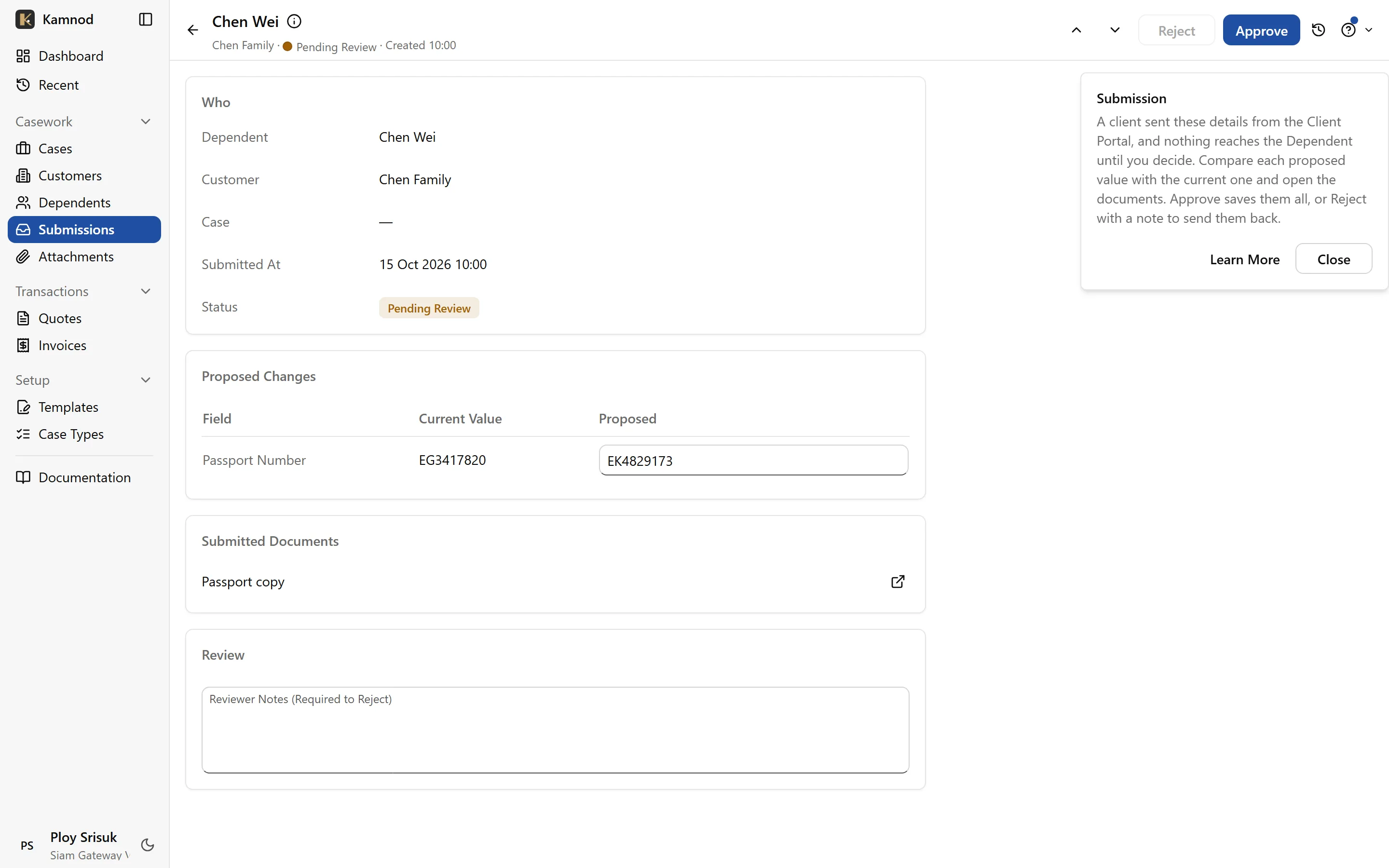
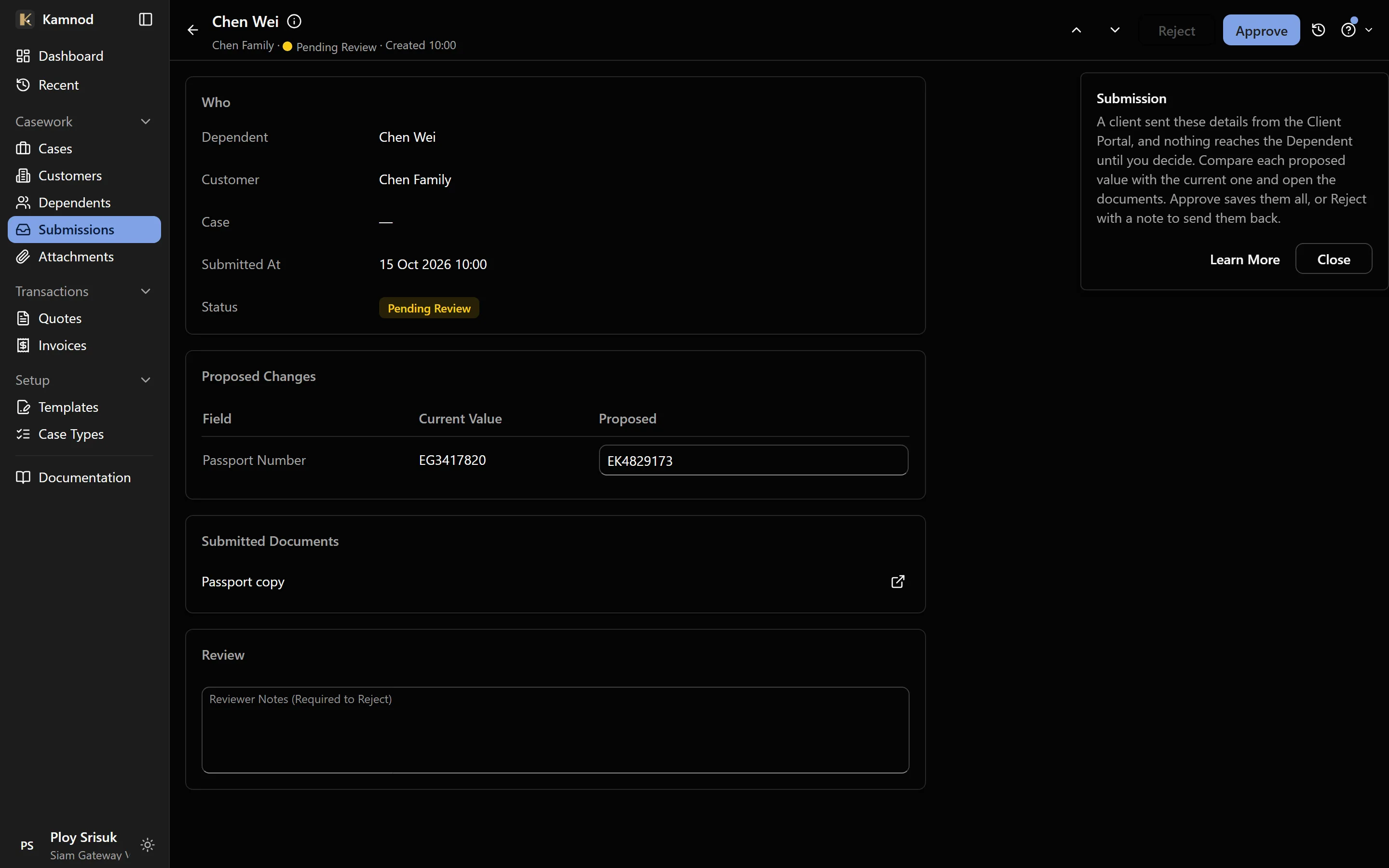
Clients send their own details
From a link on their phone: a passport photo and the basics, in their own language. Your team sees exactly what changed and approves it before anything is saved.
The date that lived in someone's head
Or in a spreadsheet nobody remembers to open. A missed 90-day report costs a client ฿2,000–5,000 in fines, and they'll remember it was your job to prevent it.
One list, sorted by what's due next
TM.30, TM.47, extensions, re-entry permits and passport expiry all feed one due date per case. Overdue rises to the top, and reminders come round before a document runs out.
One case, tracked three different ways
LINE for one client, an Excel row for another, a sticky note for a third. Nobody sees the whole caseload at once, and a rejection's reason leaves with whoever handled it.
Every family and company in one record
Everyone you represent, their documents, every case and its full history, including each rejection and what was resubmitted. Anyone on the team can pick it up.
The same government forms, filled in by hand
The same name, nationality and passport number, copied onto the same TM forms, for every client, every time something renews.
The real form, already filled in
Set up each government form once. Every case gets its own copy with the client's details already on it, ready to check, print and file.
A passport copy on someone's phone
Photocopies on a desk, passport photos in a chat, and a pack put together by hand before every trip to Immigration. Then someone asks where the TM.30 receipt went.
Every document on the case, one pack to print
Photograph a passport at the counter or upload a scan, straight onto the case. When it's time to file, print the cover sheet, the filled-in forms and every document as one A4 PDF, passports at their real size.
How it works
From a new client to a filed case, without retyping a passport.
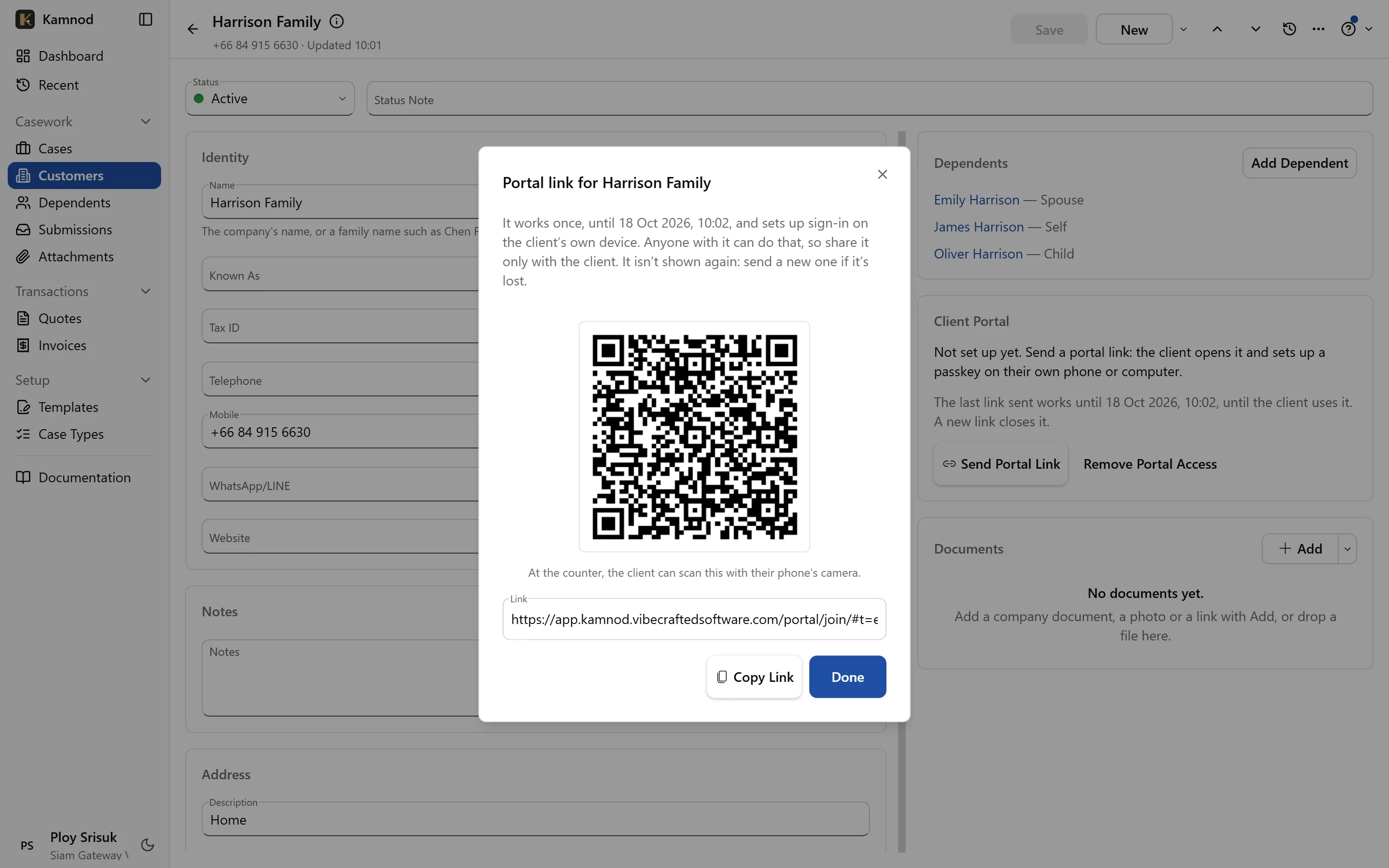
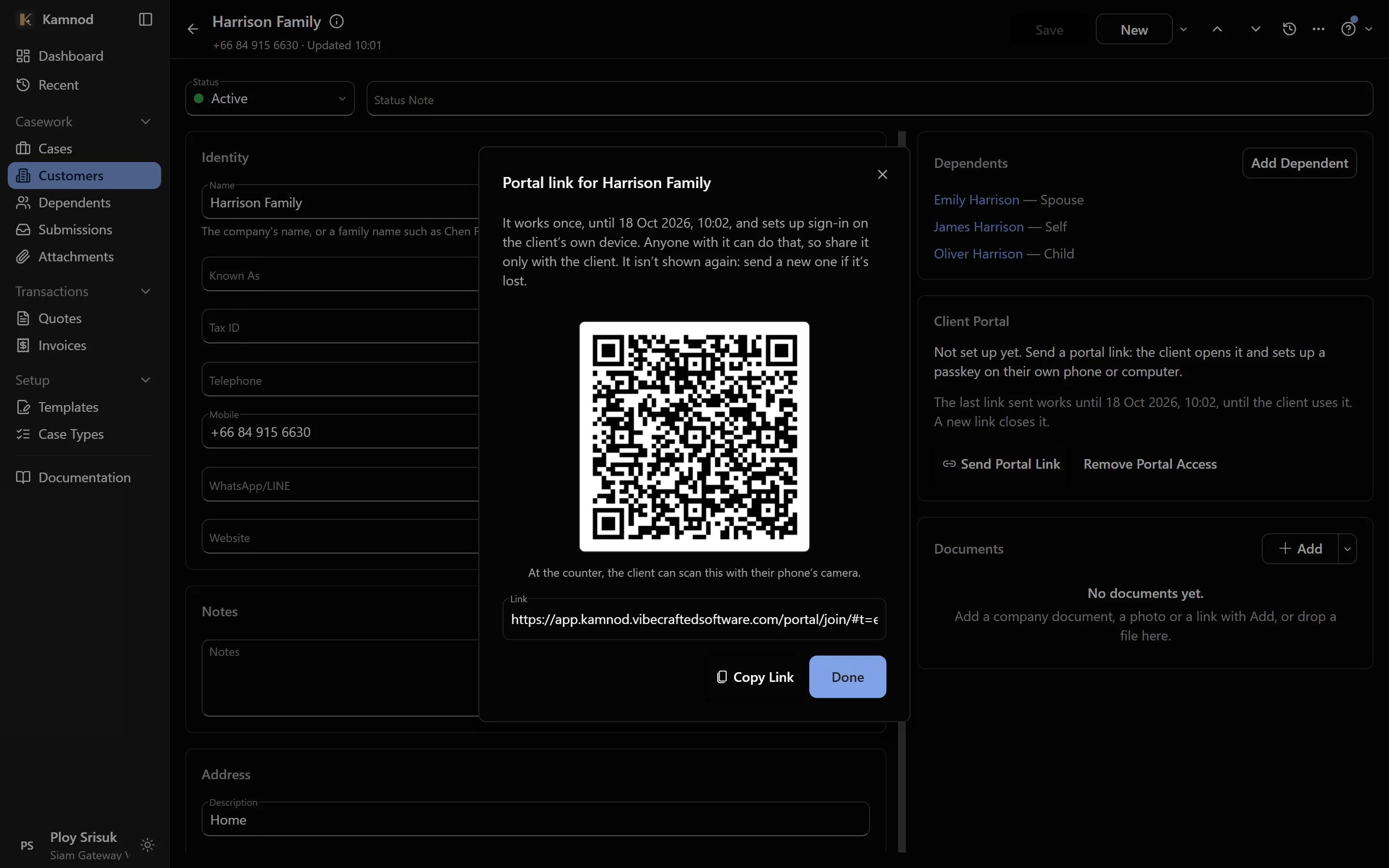
Send the client a link
One button on the client's record: copy the link into LINE or WhatsApp, or let them scan the QR code at your counter.
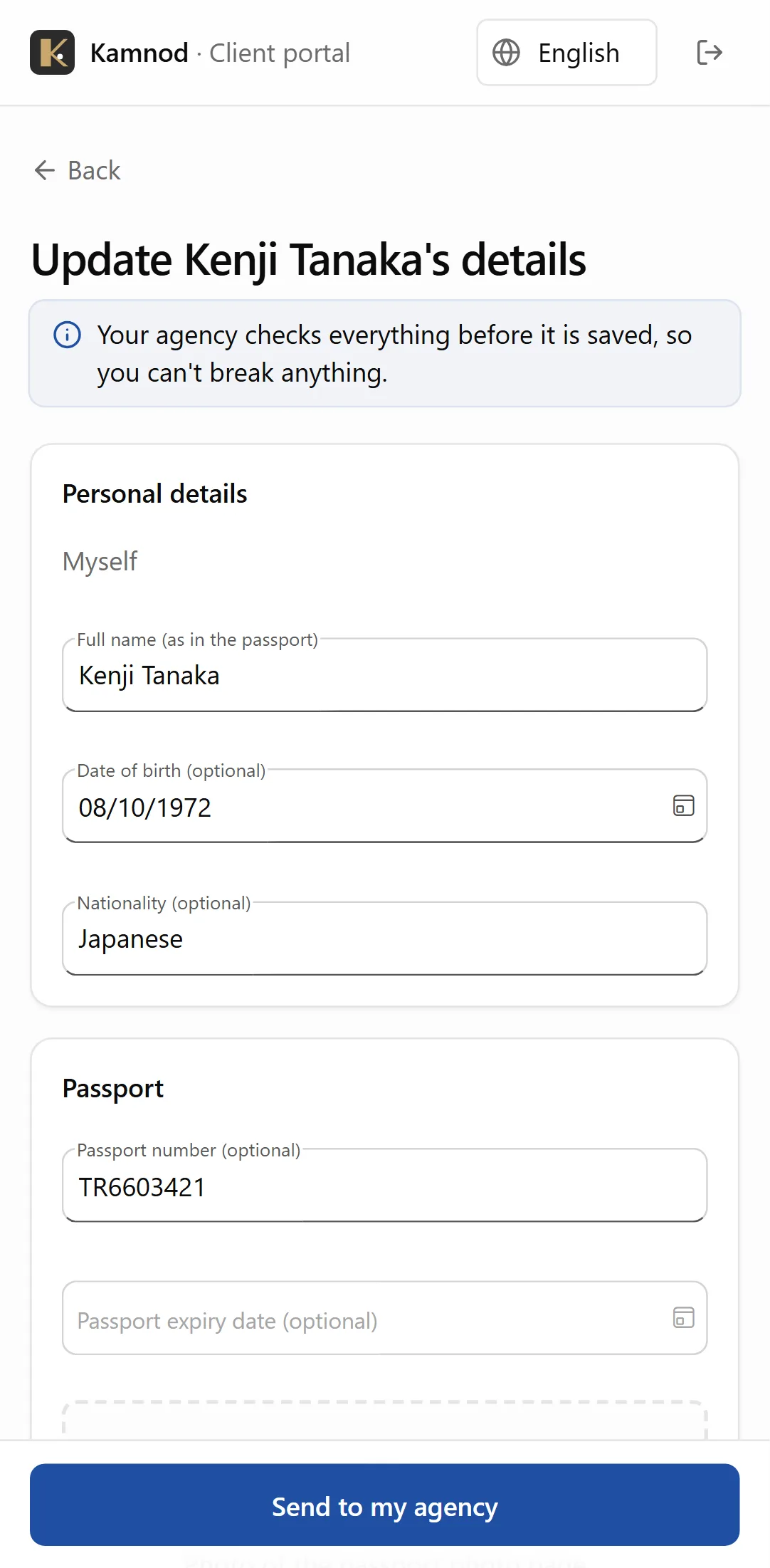
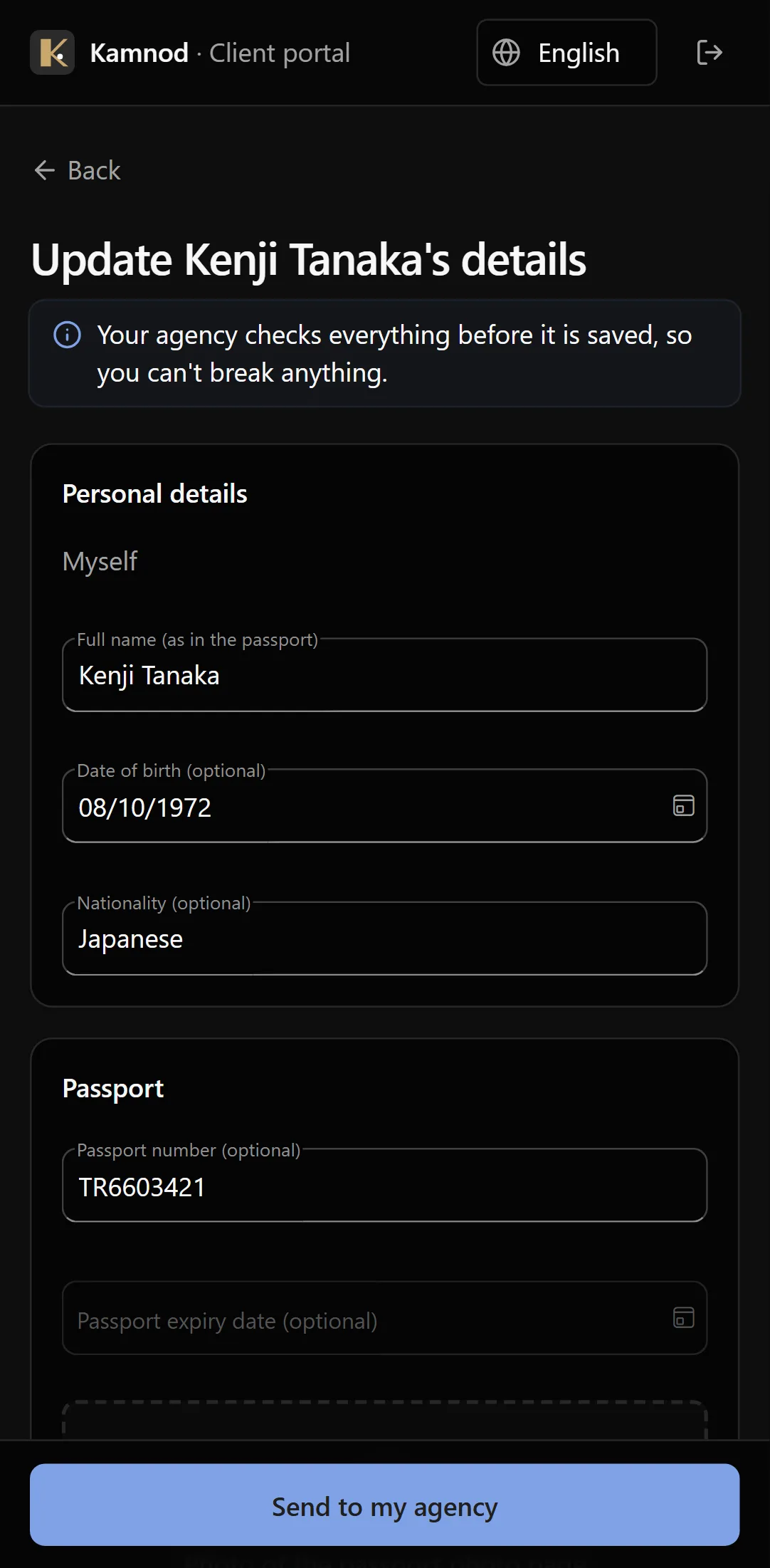
They send their details
On their own phone, in their own language: their details and a photo of the passport page. No password, no app to install.
You check, file and track
Approve what they sent, and the case is ready: the form is filled in, the checklist ticks over, and the due date is on your list.
For your team: less typing, nothing missed
The work that fills a morning, done by the system instead.
Nothing slips past a due date
Every case carries its own due date, worked out from its type: a 90-day report, an extension, a TM.30 after a move. The list is sorted by what's due next, so the morning starts with the right client.
- Overdue and due-soon at the top
- Reminders before a passport or visa runs out
- Each case's checklist shows what's still missing
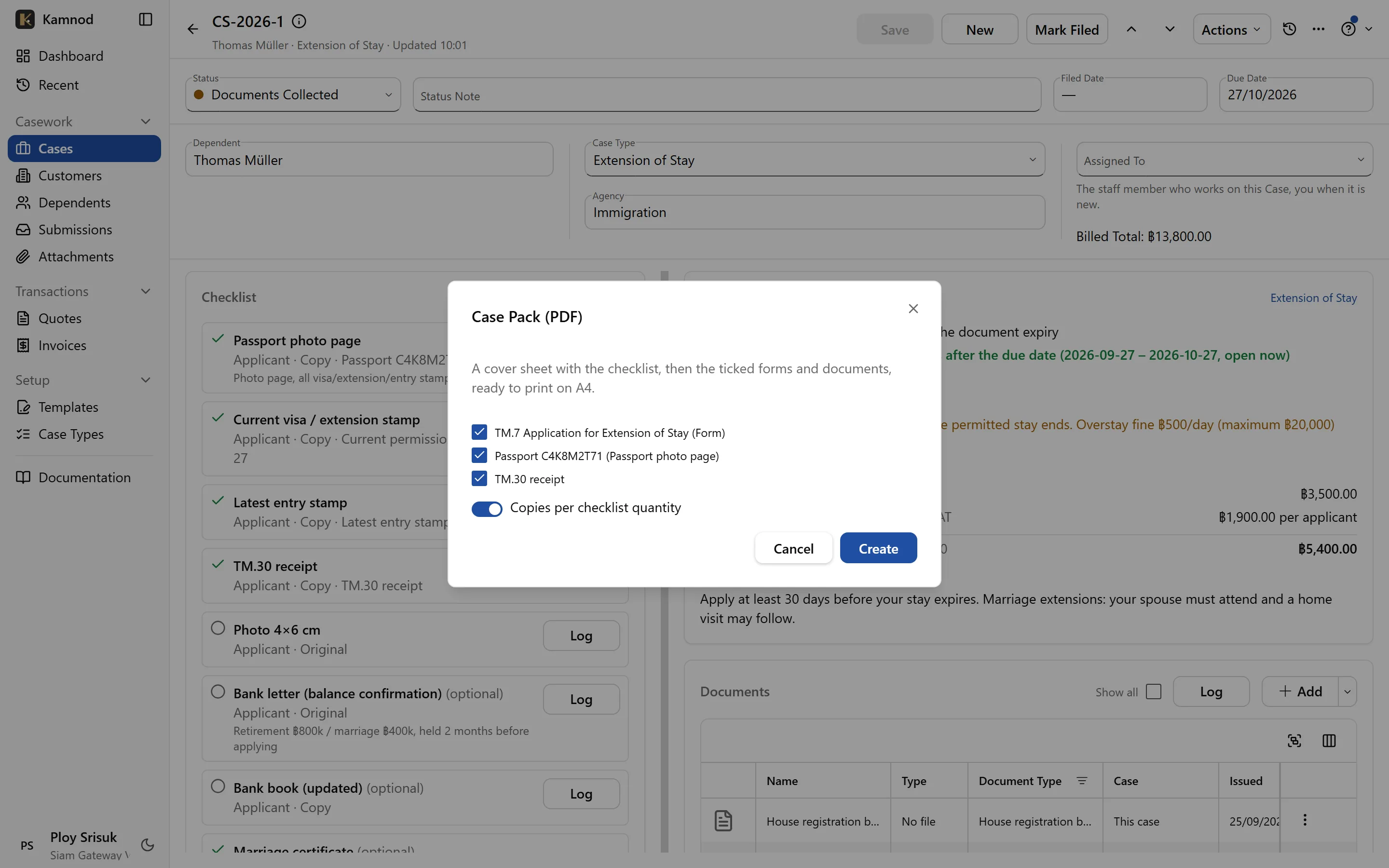
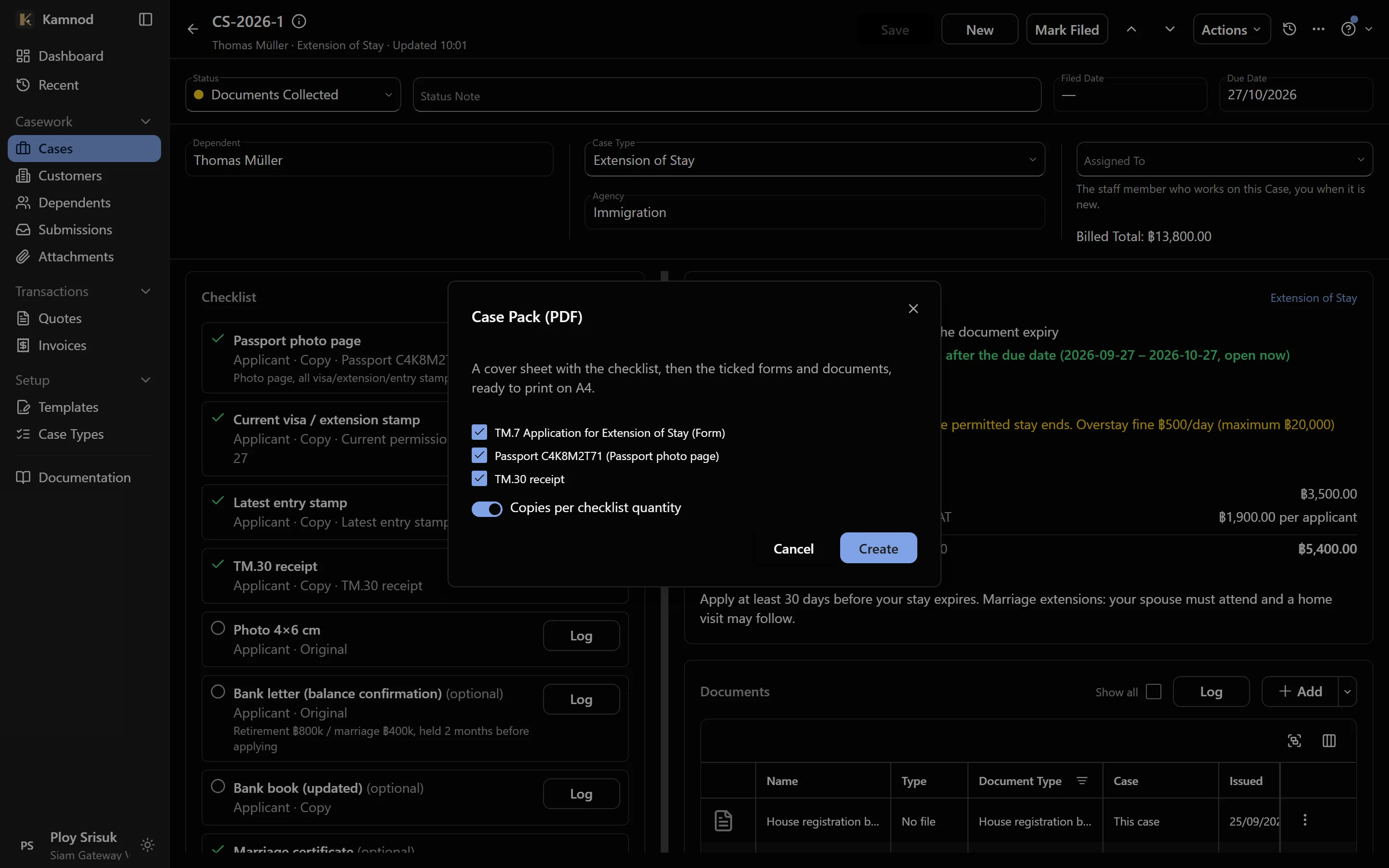
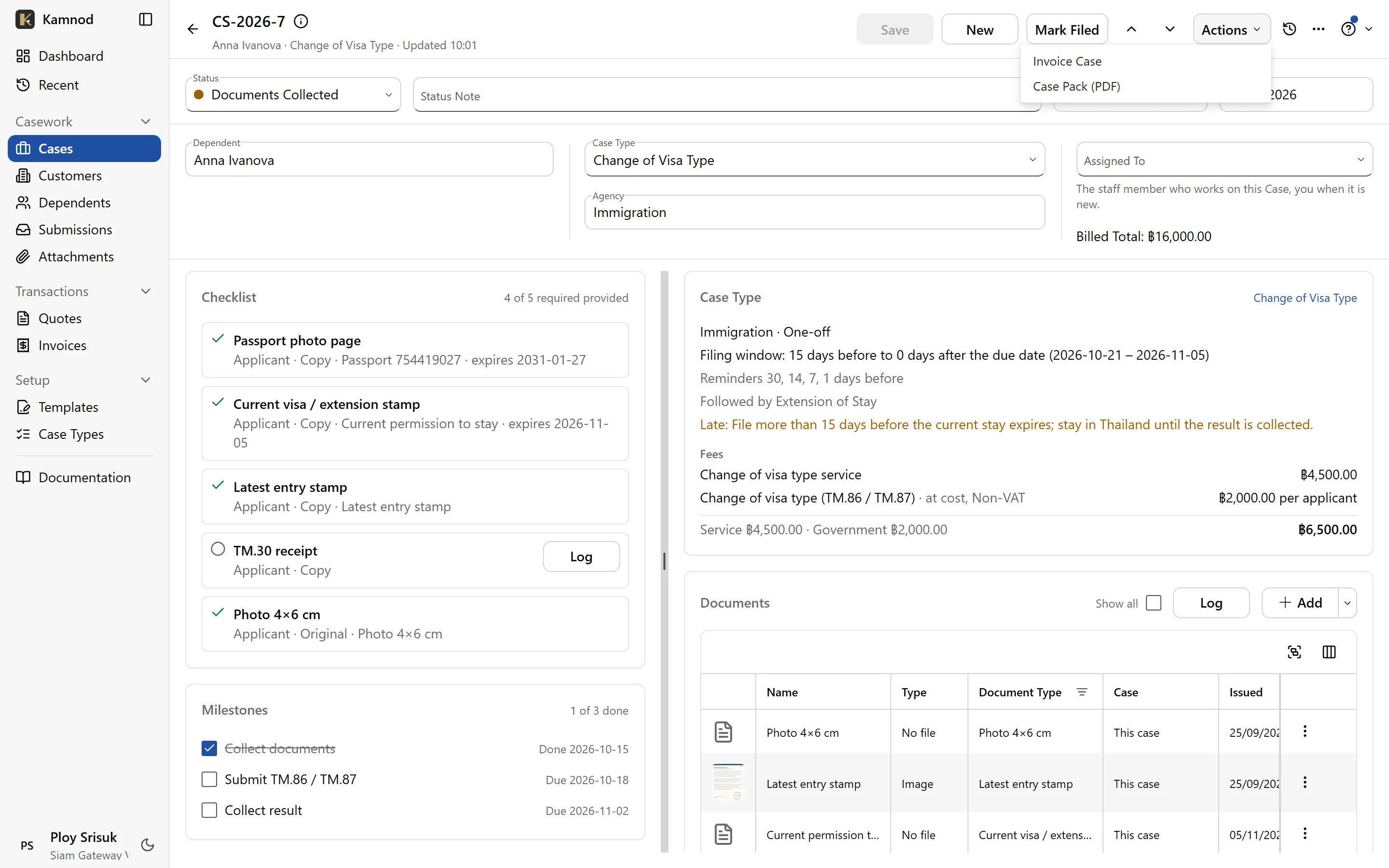
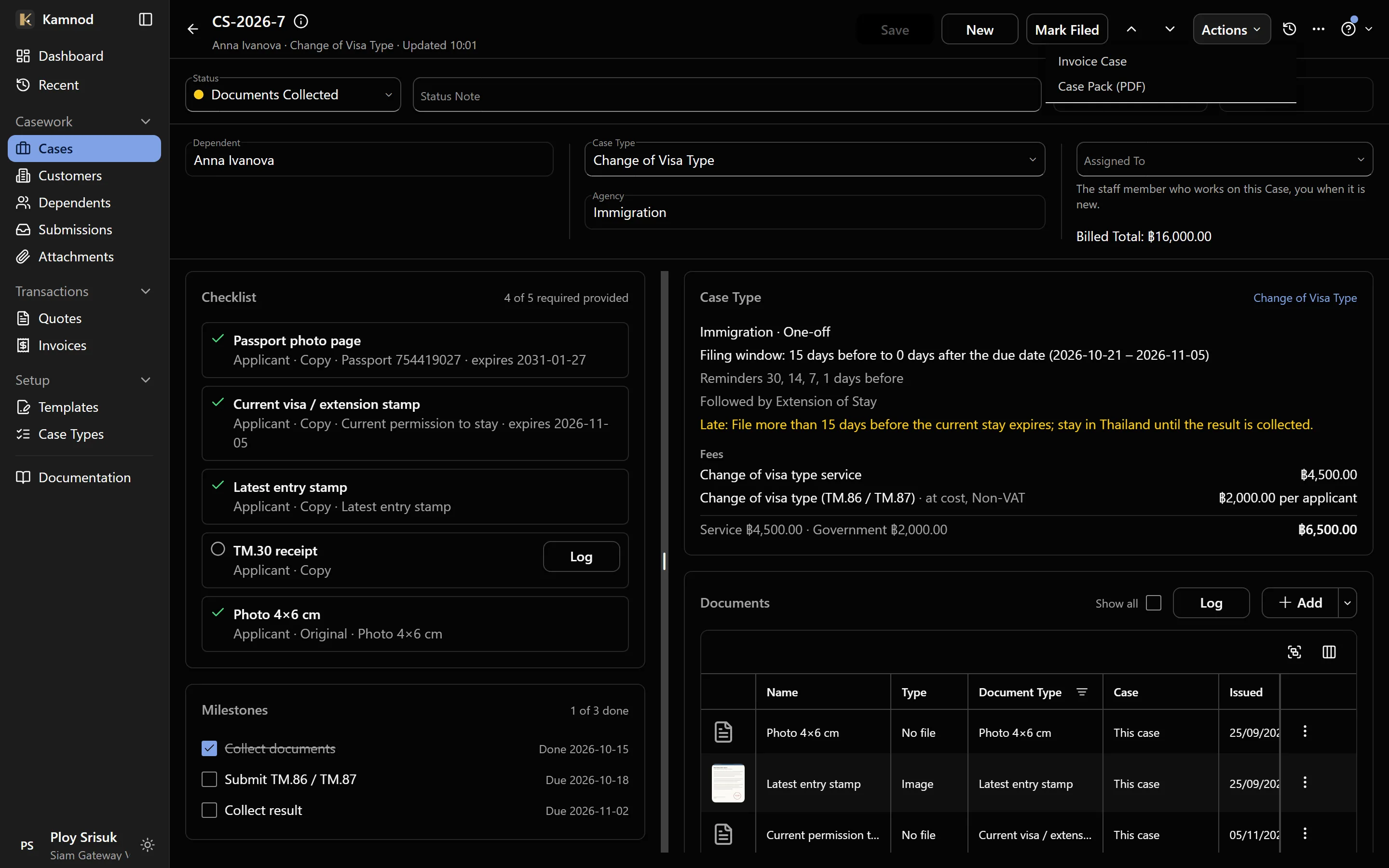
Every document on the case, one pack to print
Add a passport or permit the way it reaches you: a photo with your phone at the counter, a scan, a pasted screenshot or a link. When it's time to file, one click prints the case's cover sheet, its filled-in forms and every document as a single A4 PDF.
- Phone camera, webcam, upload, paste or link
- A cover sheet with the checklist: provided, expired or missing
- Passports and ID cards printed at their real size
- Files kept in Thailand, with a photo's location details removed
From quote to case to invoice
Price the work and send the quote. When the client agrees, open a case for each person on it in one step. When the work is done, Invoice Case bills it from that same quote, so nothing is billed twice and nothing is forgotten. The client gets a clean PDF, and sees it in their portal too.
- A case for each family member, from the agreed quote
- Invoice Case bills the quote's lines, or the case type's fees
- Service and government fees on separate lines
- A PDF that prints Thai names properly
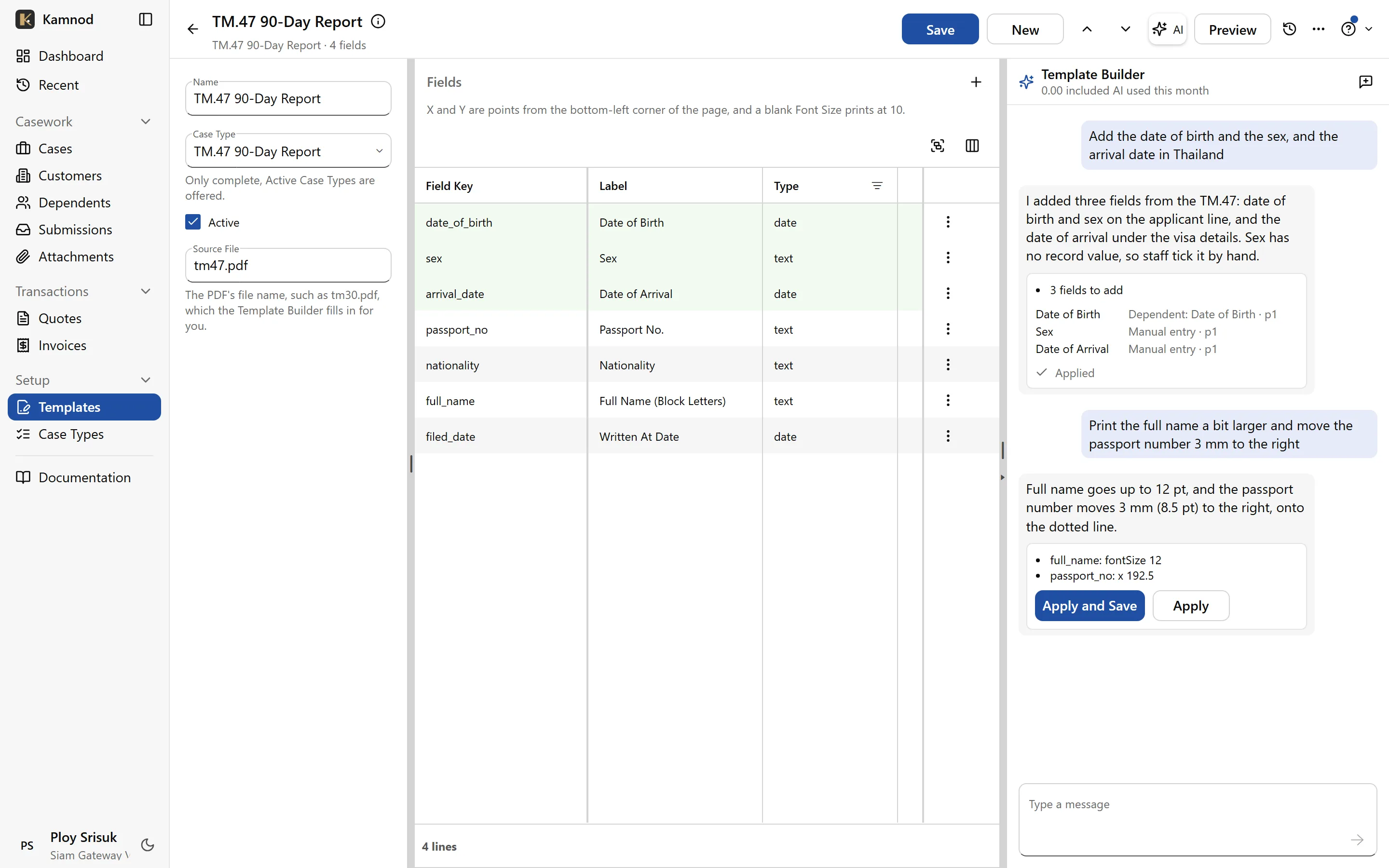
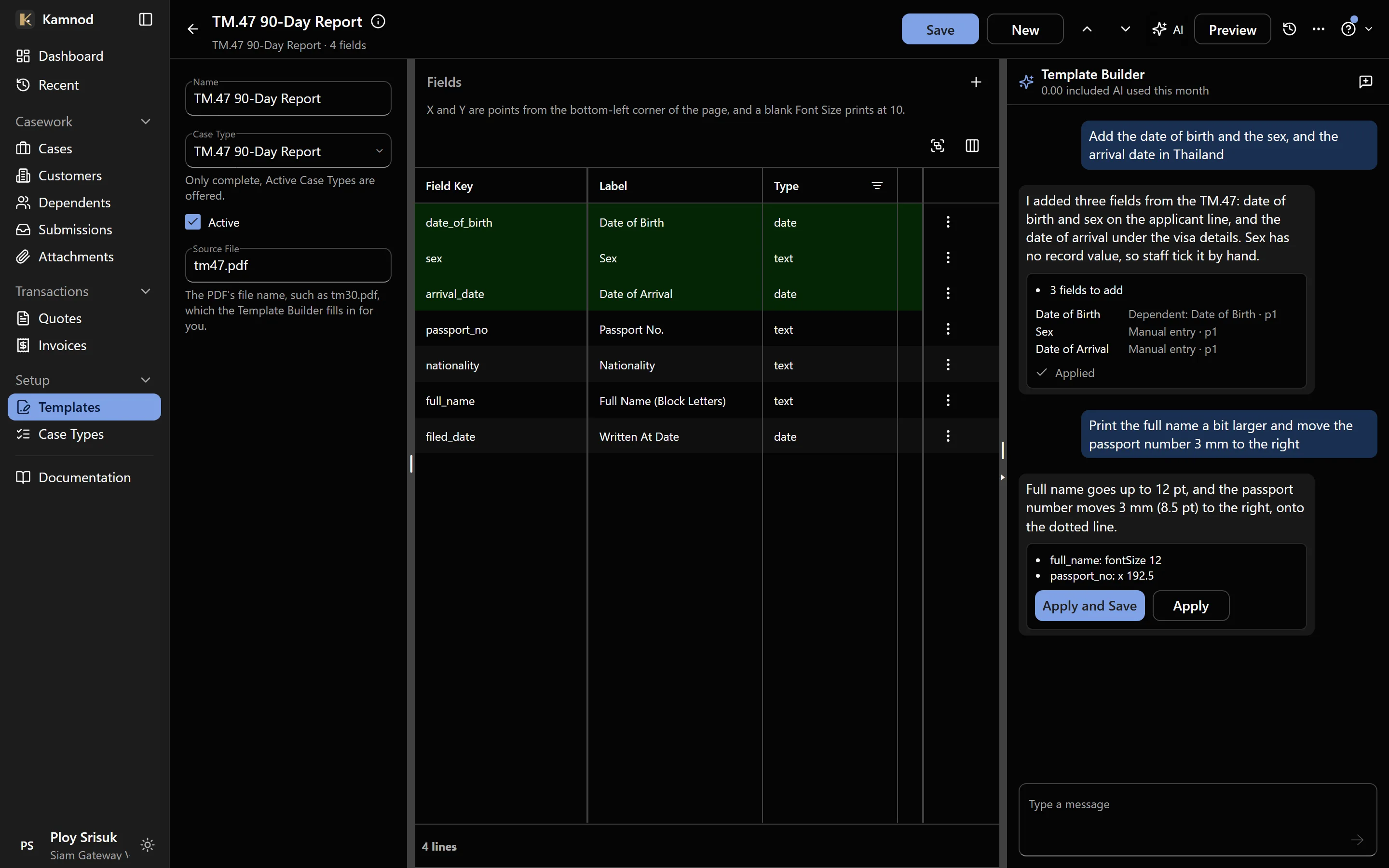
Government forms that fill themselves
Upload the official PDF once and place its fields. Every case then gets the real form with the client's name, nationality, passport and address already filled in. A setup assistant reads the form and places the fields for you to check.
- The actual TM.30, TM.47 and extension forms
- Fields mapped to the client record once
- The assistant does the first pass; you approve it
For your clients: a service they’ll tell their friends about
Be the agency that is easy to deal with: clients see their own cases and send their own documents.
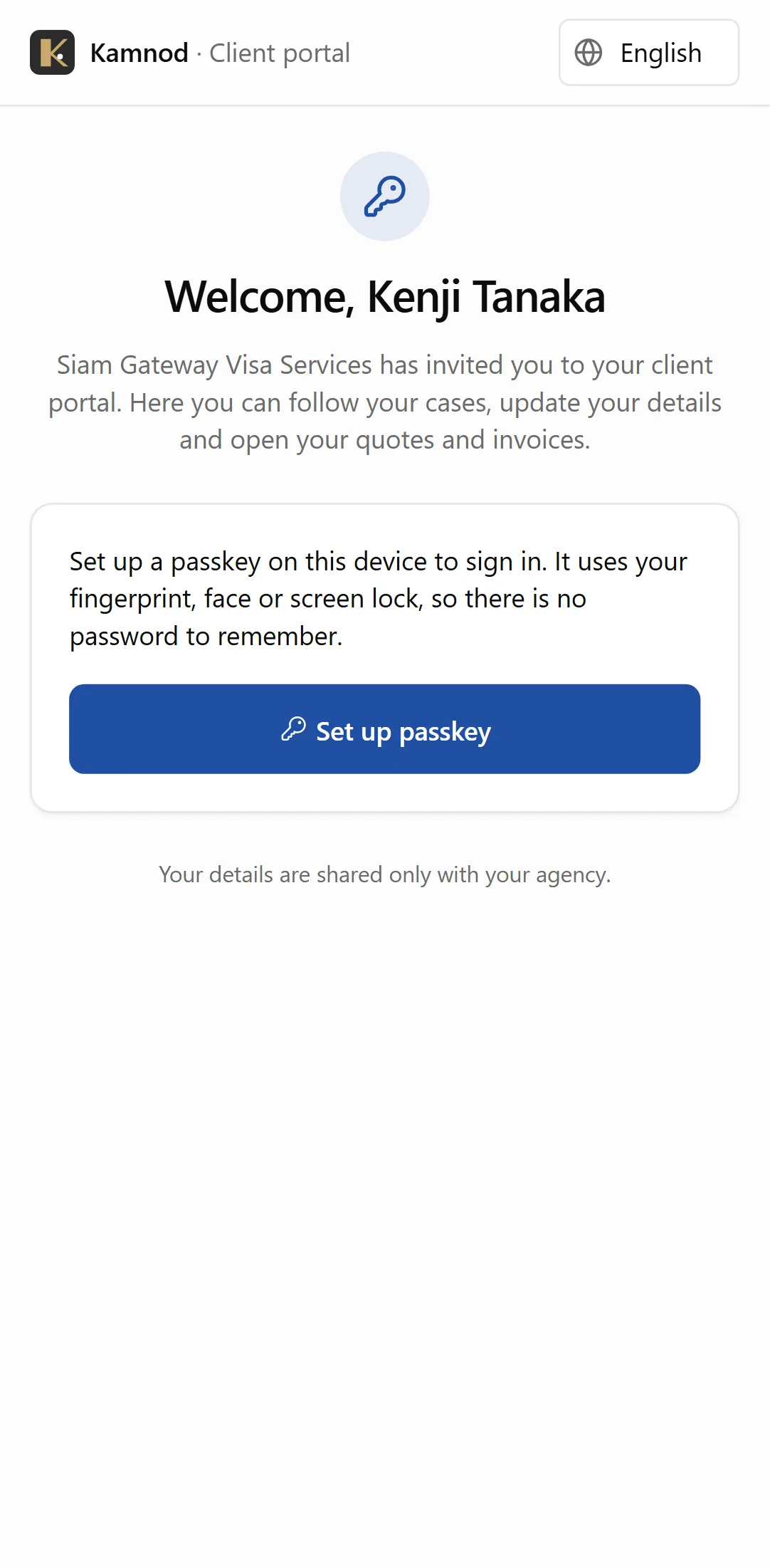
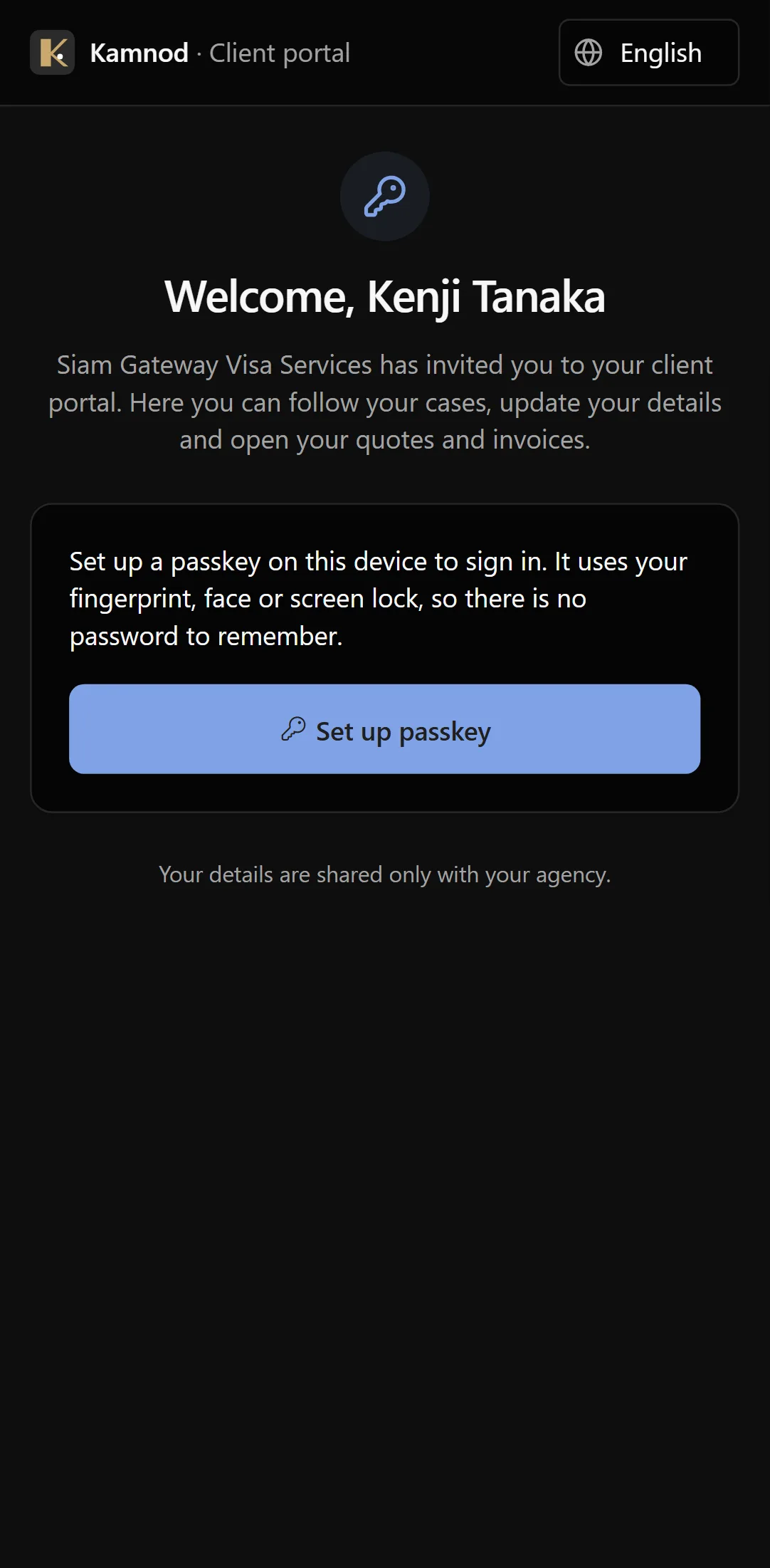
No password to forget
You send a link or show a QR code. The client opens it on their phone and signs in with their fingerprint or face, the way they unlock their phone. Nothing to remember, nothing to reset.
- One link, used once
- A passkey on the client's own phone
- You can switch access off at any time
Their cases, without calling you
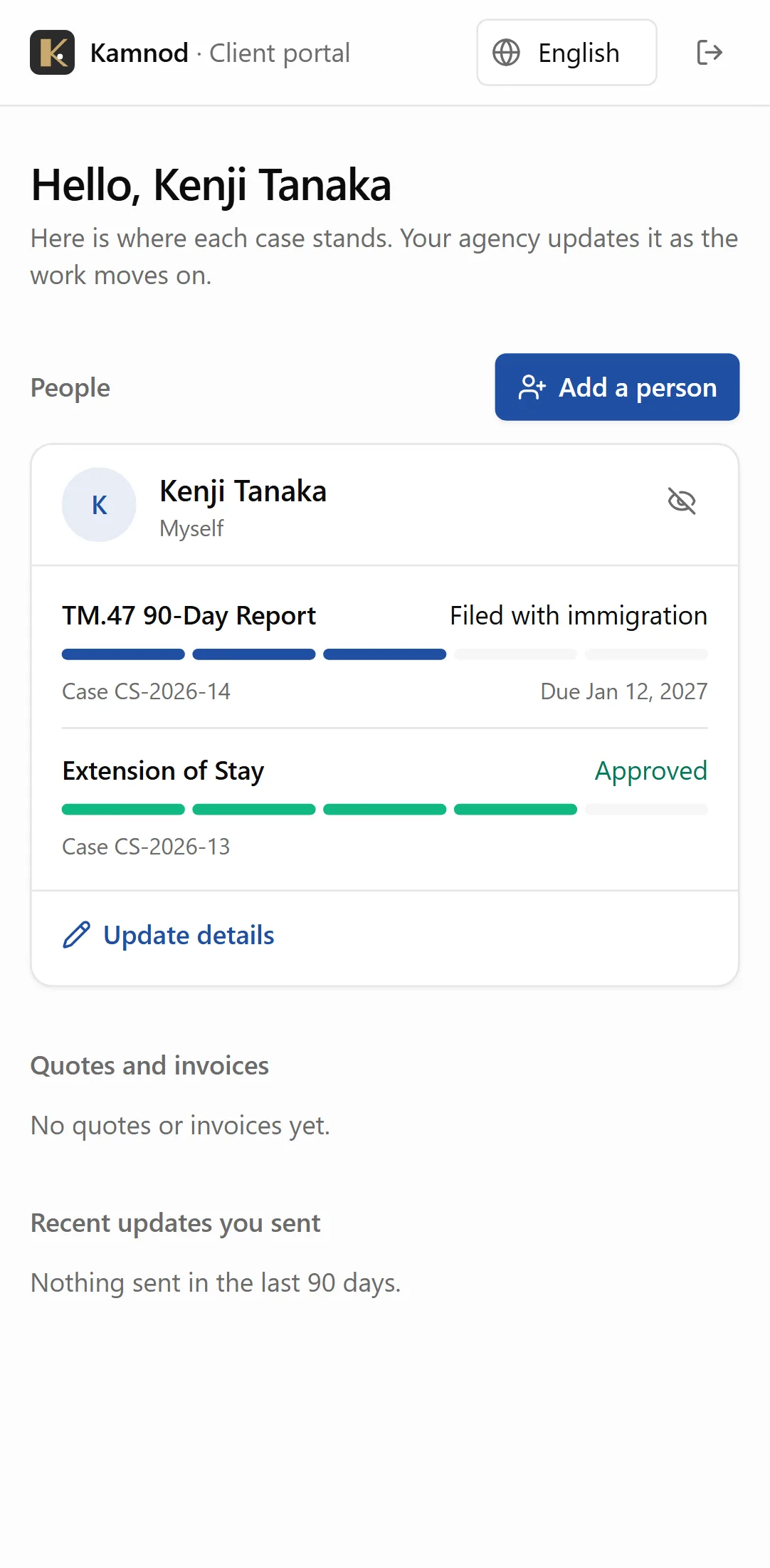
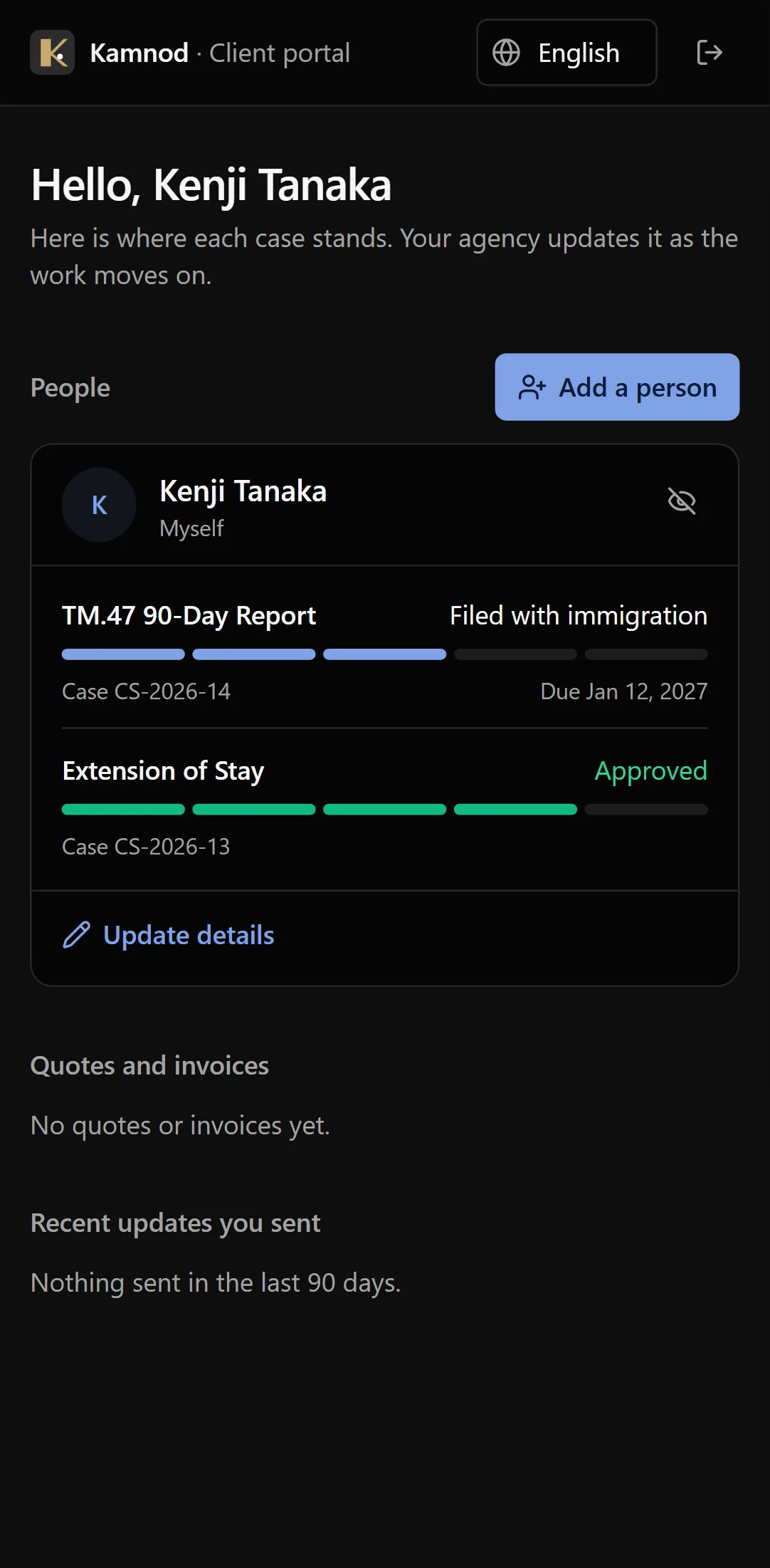
Each person in the family, each case, where it stands and when it's due. Clients stop asking what's happening, because they can see it.
- Progress for every case
- Due dates in plain words
- The whole family on one screen
Complete on its own. Ready for more.
Kamnod needs nothing else: no Windows app, no accounting system, no IT project.
Everything an agency runs on, in one app
Clients and their families, cases and due dates, government forms, the client portal, quotes and invoices. Open it in a browser or on your phone and start.
Add more when you want it
Kamnod is built on the same platform as the BOS Windows app and other Vibe Crafted Software apps. Add them on the same data when you grow, for example full accounting with every invoice posted to your ledger, without moving anything or starting again.
What you get for a monthly seat.
No big licence to sign, no IT project to run.
If it breaks, we fix it
Security, updates, backups, and support are on us — you’re not the one who has to troubleshoot it in between clients.
One monthly cost per seat
Pay for the staff who use it, not a big purchase up front. See the pricing below for what that looks like for your agency.
Onboarding when you actually need it
Most agencies get going on their own. If you want someone to walk your team through it, hands-on training is available by the hour — only when you want it, never bundled in whether you need it or not.
Pricing
Pay per staff seat. Every feature on this page is included. Add training only if you want it.
Prices shown in Thai baht (THB). Contact us about pricing for larger teams.
What every agency gets
Not extras you pay more for later.
Nothing to install
Open it in a browser on a laptop, tablet or phone. On a phone, add it to your home screen and it opens full screen like any app.
A setup assistant
Describe a service or hand it a government form, and get a first draft of the checklist, fees or form fields to check. Nothing is saved until you apply it.
Your clients' data stays in Thailand
Records and encrypted files hosted in Thailand, under Thai data protection law, with every change a client sends checked by your team first.
Support from the people who build it
Talk to the team behind Kamnod, not a call centre. Updates, backups and fixes are on us.
Built for what Thai Immigration requires
90-day reports, TM.30 address registration, extensions, re-entry permits, work permits: the paperwork you file every day, with its real forms, fees and rules. Not a generic case tracker bent into shape.
Your clients use the portal in Thai, English, Chinese, Russian, Korean or Japanese.
Low risk to get started
Everything above, without the risk of a big commitment.
No big upfront fees
You pay per staff seat, month to month — not a large licence fee before you've even tried it.
Cancel anytime
No lock-in contract, full stop. If it's not working for your agency, you walk away.
See the real price up front
You can see roughly what this costs for your team before you ever have to talk to anyone.
Try it on a demo agency first
Load a made-up agency in Settings to look around and train your team, then remove it in one step before your first real client goes in.
Your records stay yours
An administrator can download every record and file your agency keeps, whenever they like, from Settings.
Start small, grow without starting over
Add seats as your team grows. What you're using on day one is the same system you're still using later — nothing to migrate.
Before you ask
The questions every agency owner asks first.
Book a walkthrough.
Tell us a little about your agency and we’ll show you Kamnod with your own case types: the case list, a client sending their details from the portal, and a form filling itself in. No pitch deck, and no commitment.
Rather talk now? Call us straight from this page.